From Web App to Mobile: Our Android & iOS Journey

When we first launched Cleariest, it lived entirely in the browser. A React + TypeScript web app, fast, flexible, and instantly accessible from any device with a URL. That was always the plan: get the core product right first, then go native. Well, we’re at that next stage now. Our Android app is live on Google Play, and iOS is coming next. Here's what we learned, what surprised us, and how you can do the same thing if you’re an indie team thinking about going mobile.
Why Go Mobile at All?
Cleariest started as a web app for a reason. The web is universal, instant, and requires zero installation. For a team chat platform built around transparency and deep work, the browser was the fastest way to validate the product and get it into people’s hands.
But our users kept asking the same question: “Can I get this on my phone?”
And they had a point. Team communication doesn’t stop when you step away from the desk. People check in during commutes, between meetings, or from the couch in the evening. A responsive web app works on mobile browsers, but it’s not the same as a real app with push notifications, native gestures, and a home screen icon you can tap without thinking.
The tipping point was push notifications. While we have designed Cleariest to protect the user's focus and deep work, sometimes you just need to reach someone with an urgent message. Web push notifications are unreliable on mobile, especially on iOS, where Safari only recently started supporting them, and the experience is still secondhand, at best. Native push via Firebase Cloud Messaging (Android) and APNs (iOS) is simply a different class of reliability. For a communication tool, that matters.
The Big Decision: Native, Cross-Platform, or Hybrid?
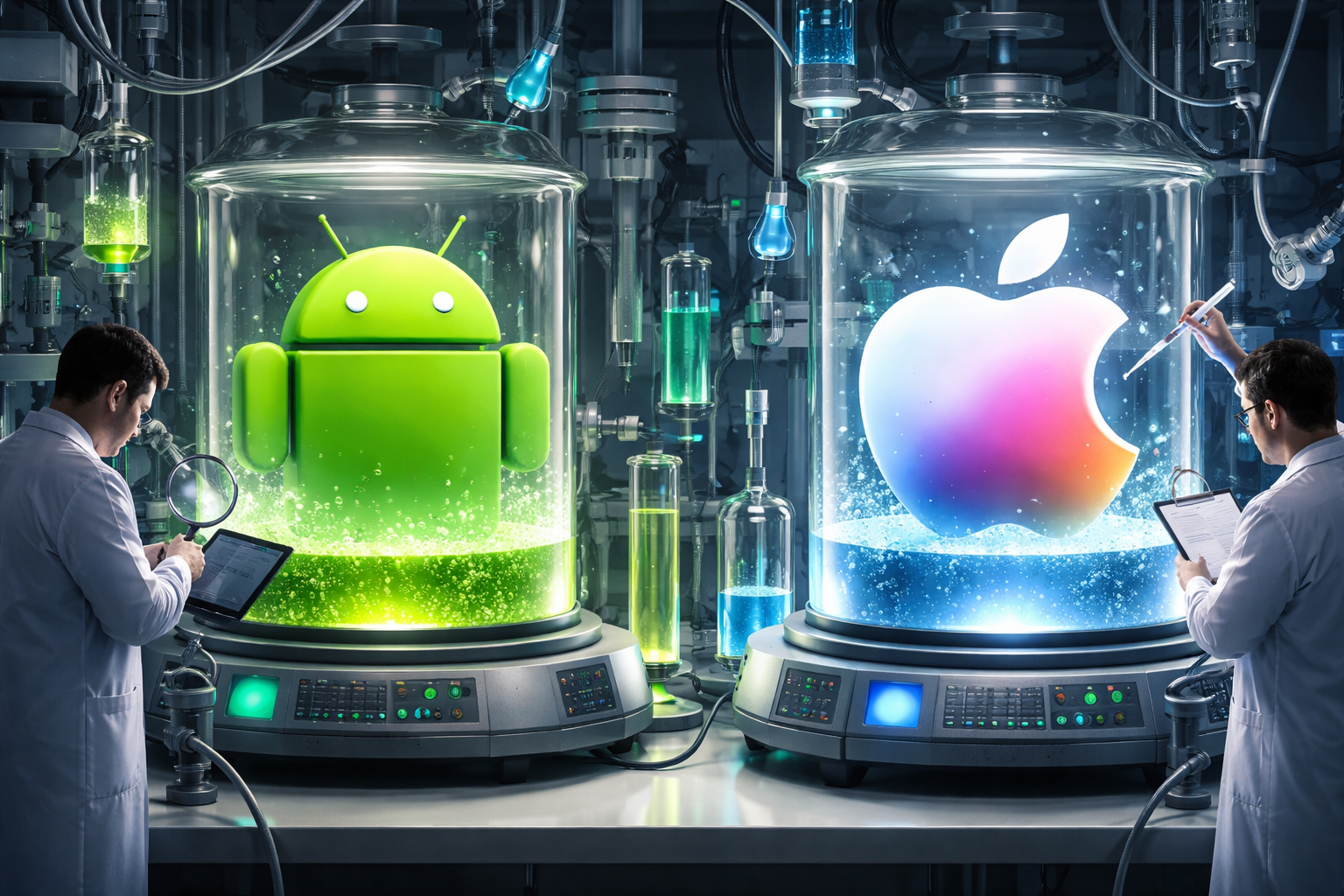
How AI imagines testing of an Android and iOS app looks like. 😂
When you decide to go mobile, the first fork in the road is the technology choice. Do you build fully native apps in Kotlin and Swift? Do you adopt React Native or Flutter? Or do you wrap your existing web app in a native shell?
For a small team with a mature React codebase, the answer was clear: Capacitor.
Capacitor (by the Ionic team) lets you take a standard web app and package it into a native Android and iOS app. Your React code runs inside a native WebView, but you get full access to native APIs (push notifications, camera, haptics, secure storage, deep linking) through a JavaScript bridge. One codebase, two platforms, zero rewrites.
Here's why this worked for us:
- Single codebase: Every feature we ship on the web ships on mobile automatically. No feature drift, no duplicate engineering.
- Mature plugin ecosystem: Capacitor has well-maintained plugins for push notifications, OAuth, the keyboard, status bar, splash screens, and more.
- Escape hatch to native: If we ever need to write platform-specific code in Kotlin or Swift, Capacitor makes that trivial. It’s not a walled garden.
- Speed: We went from “let’s try this” to a working Android APK in about two weeks. Not two months. Two weeks.
“Wow that's amazing. I am glad Capacitor is working out. Usually with making the apps in the app store its all the collateral that goes with it - screenshots, app icons in the right format - that is the time consumer!”
- Jessica, Cleariest tester
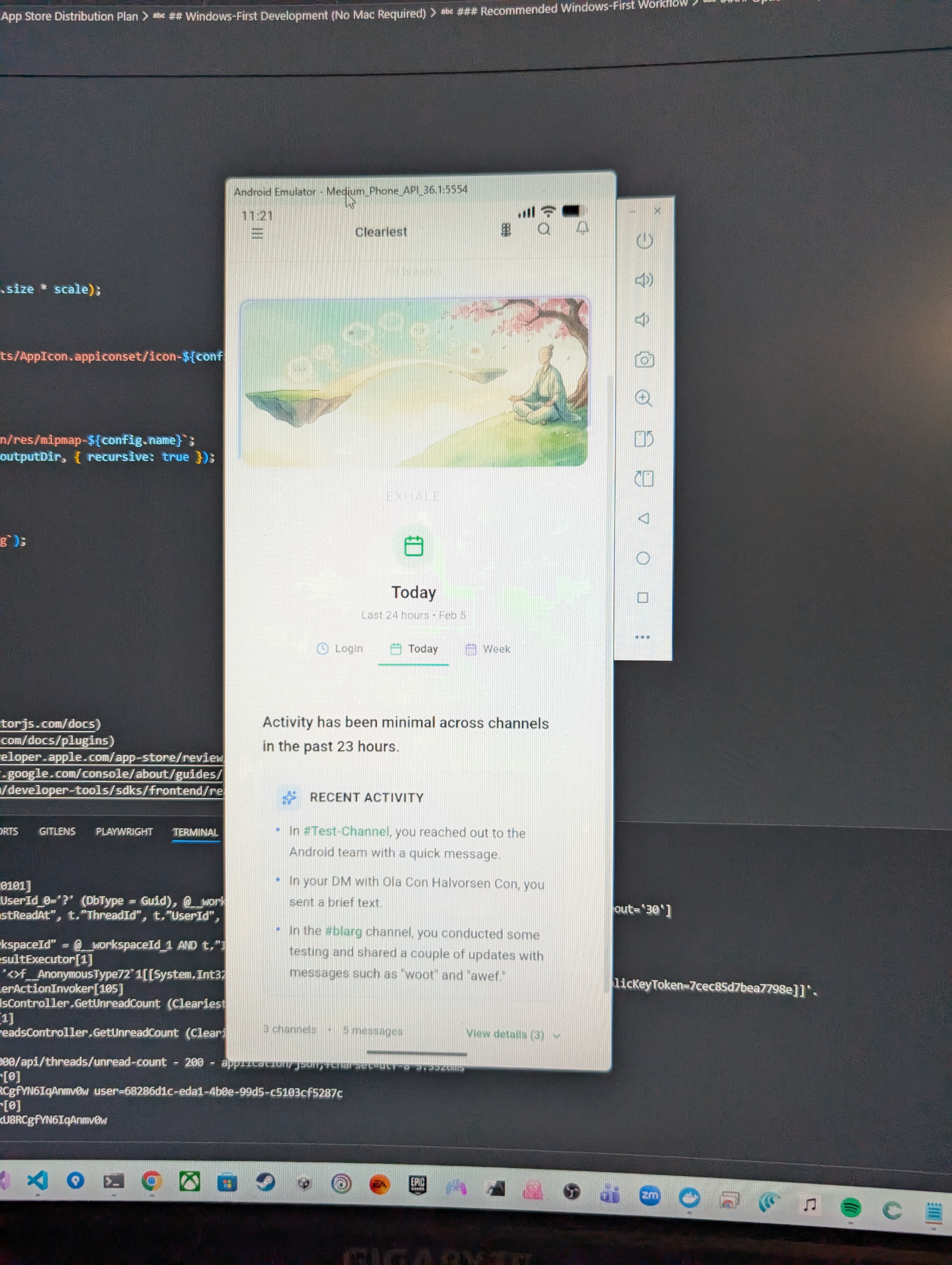
Early version of the app running in an emulator, which was the first real milestone.
What We Learned Along the Way
Going from web to mobile isn’t just “wrap it and ship it.” Here are the real lessons from the trenches.
1. Authentication Gets Complicated Fast
On the web, OAuth is straightforward: redirect to the provider, get a callback at your URL, done. On native mobile, there’s no URL bar. You need to open an in-app browser, handle deep link callbacks, and manage a PKCE (Proof Key for Code Exchange) flow for security.
We built a custom native auth hook (useNativeAuth) that opens the login page in the device’s native browser via Capacitor’s Browser plugin, generates PKCE challenge codes, and listens for the cleariest://auth/callback deep link to complete the exchange. It took more iteration than expected, but the result is a login flow that feels completely native.
Tip for others: Start with authentication first. If login doesn’t work perfectly on mobile, nothing else matters. Test on real devices early. Emulators hide subtle timing issues with deep links.
2. The Keyboard Will Humble You
On the web, keyboards aren't a big deal. On mobile, the keyboard pushes your entire layout around, covers input fields, and behaves differently on Android vs. iOS. We created a dedicated useCapacitorKeyboard hook that tracks keyboard show/hide events and sets CSS custom properties so our layout can react in real time.
For a chat app, this is critical. The message input needs to stay visible and usable when the keyboard is open, and the message list needs to scroll up to accommodate it. Getting this smooth took more effort than any single feature in the app.
Tip for others: Use CSS environment variables (env(safe-area-inset-bottom)) together with Capacitor’s keyboard events. Test on phones with and without notches, and with gesture navigation vs. button navigation.
3. Push Notifications Are a Platform Unto Themselves
Push notifications sound simple: send a message from your server, it appears on the user’s phone. In reality, you’re dealing with Firebase Cloud Messaging setup, device token registration, background delivery modes, notification channels on Android, permission prompts on iOS, and error handling when tokens expire or devices go offline.
We built a nativePushNotificationService that handles FCM/APNs registration, token refresh, and foreground vs. background notification delivery. The service integrates with our SignalR backend so you get real-time messages when the app is open and push notifications when it’s not.
Tip for others: Plan for token lifecycle management from day one. Tokens expire, users reinstall apps, and permissions get revoked. Your server needs to handle all of this gracefully.
4. Platform-Specific Details Add Up
Android and iOS have different expectations for navigation, gestures, and UI behavior. Android users expect the hardware back button to close modals and panels in a specific order. iOS users expect swipe-to-go-back gestures. Both platforms have safe area insets (notches, home indicators) that your layout needs to respect.
We ended up creating dedicated hooks for each: useAndroidBackButton for modal-aware back navigation, useIOSGestures for swipe support, and useStatusBar to match the status bar styling to our light/dark/midnight themes.
Tip for others: Don’t try to make both platforms behave identically. Respect each platform’s conventions. Android users and iOS users have different muscle memory, and fighting that creates frustration.
5. App Store Submissions Are a Marathon, Not a Sprint
Getting an app built is one thing. Getting it listed on the stores is another. Google Play requires a target SDK level (currently API 36 for Android 16), a data safety section, content ratings, screenshots in specific dimensions, and a privacy policy URL. Apple requires all of that plus a Privacy Manifest, App Tracking Transparency declarations, and the famously rigorous App Store review process.
Our Android app is now live on Google Play. After a closed testing period with real users, we went public. The closed testing phase was invaluable — real-world usage surfaced bugs and UX issues that no amount of emulator testing can find.
Tip for others: Use closed/internal testing tracks. Google Play lets you push updates to testers in minutes, with no review delay. It’s the fastest feedback loop you can get.
Stories From the Road: Our Closed Testing Adventures
The best part of shipping a real app to real people? The stories. Here are some real moments from our closed testing period.
“Hello From the Android App”
Daniel, one of our testers, installed the app and his very first message was a DM: “Hey hey brother. Hello from the Android app 👋” There’s something psychologically different about an app living on your home screen. Another tester, comparing the native app to the web version, put it simply: “Love the app and the website but the app is more efficient for me. It's faster and only involves clicking on the app to open it.”
The Keyboard That Humbled Us
On our early builds, the text input used a web-based keyboard instead of the native keyboard. Tim was the first to call it out: “Having to type every character on mobile is a bit of a deal-breaker; auto capitalisation of the first letter is also disabled.” Ben followed up: “No auto-capitalisation of sentences, and no spelling correction and automatic adding of special characters.” Enrico summed up the screen real estate problem: “Focusing on the textbox opens the keyboard and 60% of the screen is gone.” We rebuilt the input to use the native keyboard, and Ben confirmed the fix: “Nice, keyboard issues are good now! 🙌”
The Back Button Saga
In the first Android build, pressing the hardware back button would exit the entire app instead of closing the current panel. Phil discovered this the hard way: “When I click on the flower 'Since Last Login' box, I keep trying to click it again and go back to where I was, and the 'back' action closes the app.” We added it to the fix list, and by version 1.0.20 had proper modal-aware back navigation that never closes the app (only minimizes, per Google guidelines).
The Button Size Revolution
Phil opened up a conversation that changed the entire mobile UX: “Generally I'd like to have larger buttons to press, all of the UI elements look too small and I'm always feeling like I need to be really careful when trying to press a button that I don't miss and press something else.” He was right. We had used sm button sizes across the board, which worked fine on desktop but was painful on a phone. We bumped all touch targets to Android's recommended 48x48dp, redesigned the message box, and Nathan's response said it all: “Loving the bigger buttons and the redesign of the message box, hiding the extra text formatting 👌”
The Loyal Opener
Google requires 14 days of active testers for closed testing approval. We were transparent about this with our community, and the support was incredible. Jared posted in casual chat: “Beep bop, opening the app so the test goes well.” Jessica, an iOS user without an Android device, joined the channel anyway: “🫡 Engaging in spirit with my non android device; I hope this does not displease the google gods.” At the halfway mark, we had 21 users who had installed the app and 12 active testers. The community carried us.
What’s Next: iOS
With Android in closed testing and feedback flowing in, iOS is our next frontier. The good news: because we used Capacitor, most of the work is already done. The same React codebase, the same hooks, the same services. We already have the iOS project scaffolded with deep linking configured in Info.plist, a Privacy Manifest for Apple’s requirements, and platform-specific gesture support ready to go.
What remains:
- Apple Developer account setup and the verification process (which can take a while)
- TestFlight distribution for our initial batch of iOS testers
- APNs configuration for native push notifications on iOS
- App Store review submission (Apple’s review is known for being thorough, and we want to get it right the first time)
- Fine-tuning iOS-specific behaviors like swipe gestures, safe area handling for the notch/Dynamic Island, and keyboard animations
We’re aiming to have TestFlight builds available for early testers soon. If you’re interested in being one of the first iOS testers, join our community and let us know.
Tips for Other Indie Teams Going Mobile
If you’re a small team with a web app and you’re thinking about going mobile, here’s the condensed version of everything we learned:
- Start with Capacitor (or a similar hybrid approach). Unless your app demands GPU-intensive graphics or heavy native hardware access, a web-to-native wrapper gives you 90% of the native experience for 10% of the effort. You can always go more native later.
- Solve authentication first. OAuth + deep links + PKCE on mobile is the hardest integration you’ll do. Get it working and tested on real devices before building anything else.
- Build platform utility functions early. Create helpers like
isNativeApp(),isIOS(),isAndroid()so you can branch behavior cleanly. We put ours in a singleplatform.tsutility file and use it everywhere. - Use closed testing religiously. Don’t wait until you think the app is perfect. Ship to 5-10 real users as early as possible. Their feedback will save you weeks.
- Respect platform conventions. Android back button, iOS swipe gestures, safe area insets, notification channels. Don’t fight the platform; work with it.
- Automate your builds. Set up CI/CD (we use GitHub Actions) to build Android AABs and iOS archives automatically. Manual builds get old fast.
- Plan for the app store submission process. Screenshots, descriptions, data safety declarations, privacy policies, content ratings. It’s a surprising amount of non-code work. Start early.
The Bigger Picture
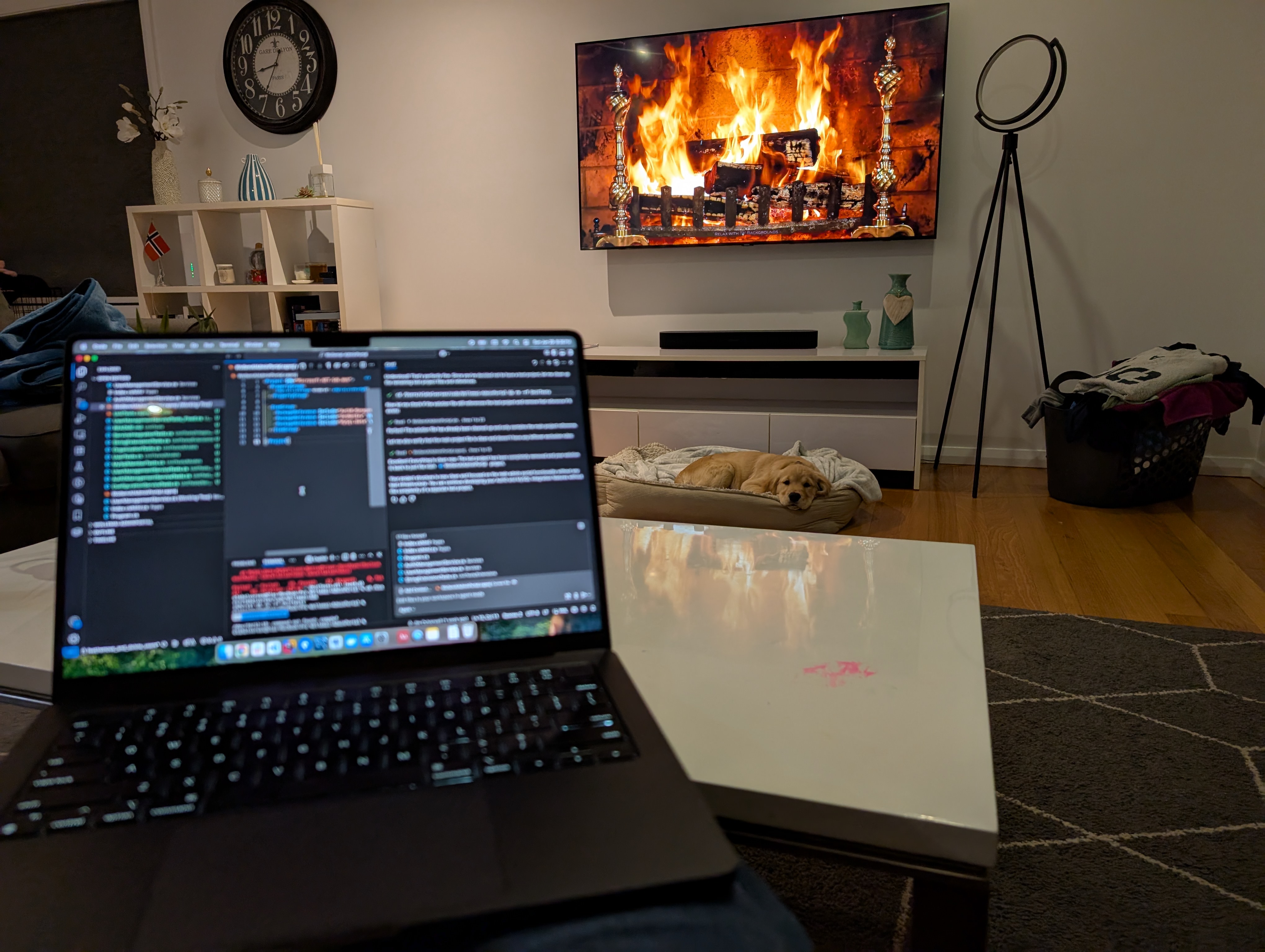
Cozy app development with Freya the dog.
Going mobile isn’t just a distribution strategy. It changes the relationship people have with your product. A web app is something you visit. A native app is something you carry with you. That’s a fundamentally different level of presence in someone’s daily life.
For Cleariest, the mobile app reinforces our core mission: helping teams communicate transparently without sacrificing focus. The AI summary on your phone during your morning commute. The push notification that tells you something actually needs your attention (instead of every message demanding it). The Deep Work Mode that works just as well on a 6-inch screen as it does on a 27-inch monitor.
We’re building this in the open, and we’ll keep sharing what we learn. The Android app is live on Google Play. iOS is coming. And the users who are along for this ride are shaping the product with every piece of feedback they send.
“Love the app and the website but the app is more efficient for me. It's faster and only involves clicking on the app to open it.”
- Cleariest closed beta tester
That’s the kind of feedback that makes all the late nights worth it.
Want to be an early tester?
- Android app is live — get it on Google Play
- iOS app is live — download on the App Store
- Shape the product with your feedback from day one
Related Reading
How Deep Work Mode works across web and mobile.
AI Chat SummariesCatch up on conversations instantly with AI-powered summaries.
Cleariest vs SlackHow Cleariest compares to Slack for focused teams.
Best Chat for Async TeamsWhy async-first communication is the future of team chat.