AI Chat Summaries for Teams: Stay Informed Fast
Your team communicates constantly, but nobody has time to read every message. AI-powered chat summaries extract key decisions, action items, and context from long threads — so you stay informed in seconds, not hours. Here is how it works and why it matters.
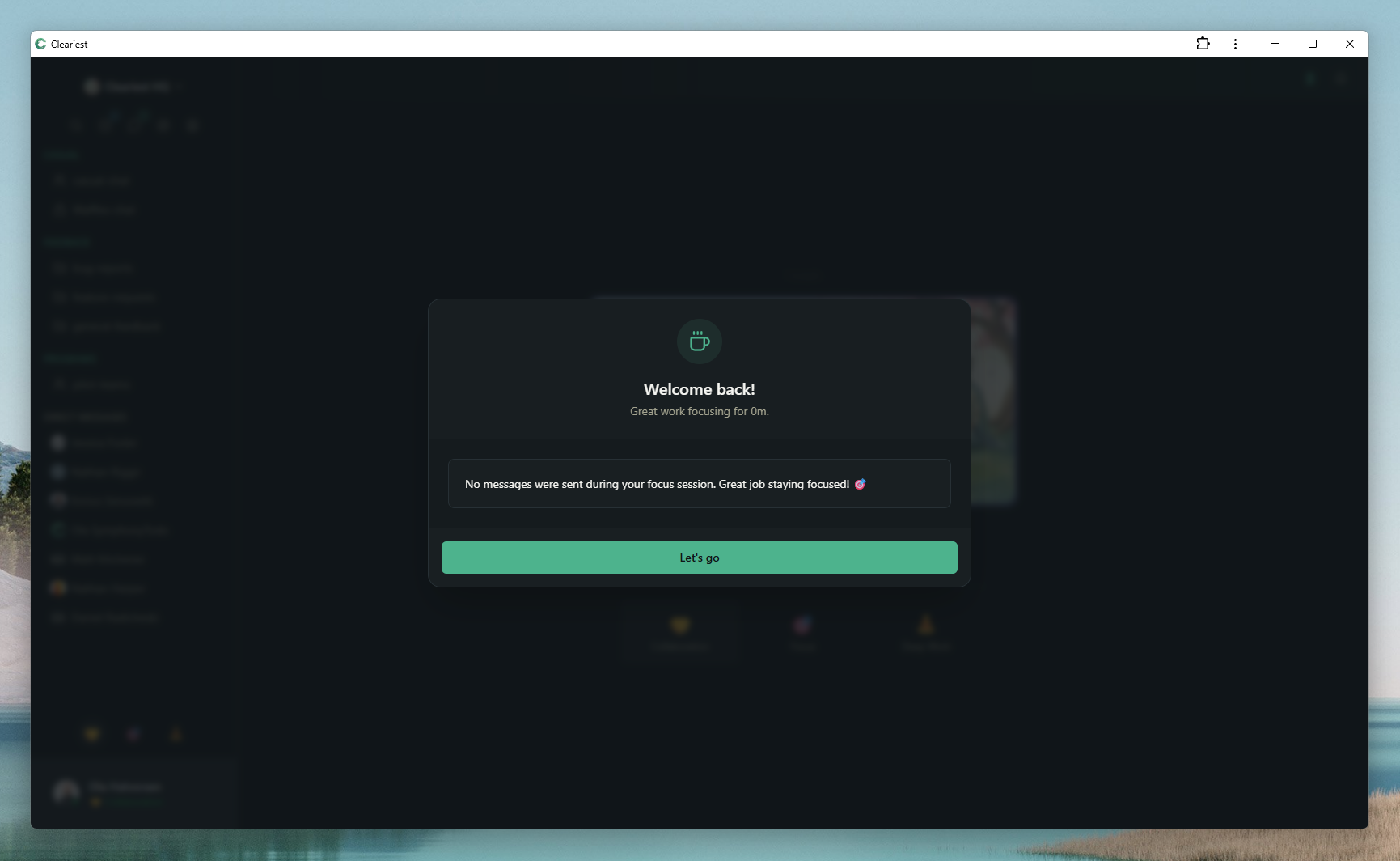
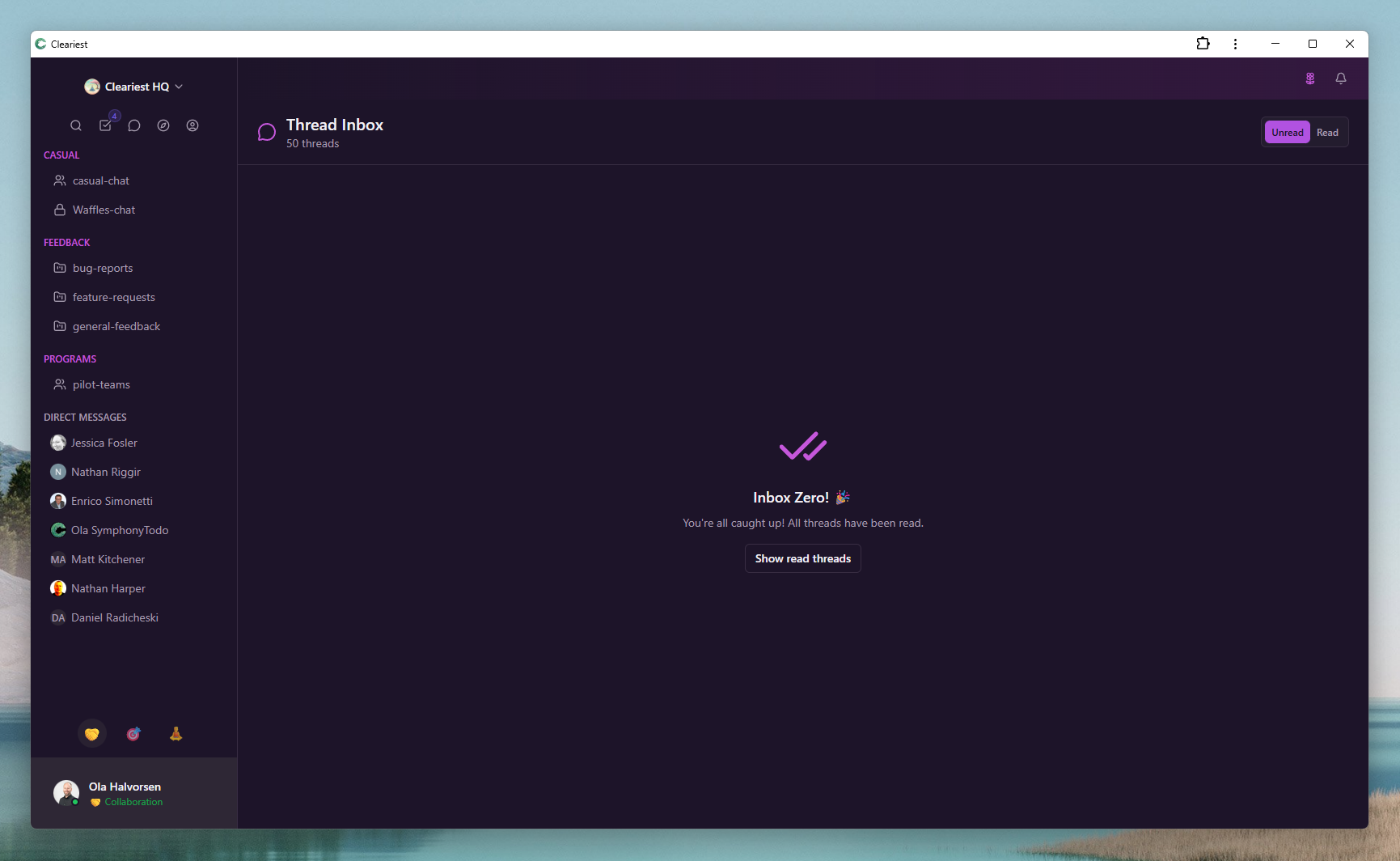
Screens reused from Cleariest's comparison pages, showing summary-led catch-up flows.
The Catch-Up Problem in Team Chat
Knowledge workers spend over two hours every day just reading chat messages. Not responding, not collaborating — simply reading and scrolling to figure out what happened while they were doing actual work. For distributed teams spanning multiple time zones, this problem is even worse. Team members wake up to hundreds of unread messages across dozens of channels, and the first hour of their workday disappears into a catch-up spiral.
The core issue is that team chat tools are designed as streams — chronological feeds of every thought, question, reaction, and reply. Finding the three decisions that were made in a 200-message thread requires scrolling through casual banter, tangential discussions, and messages that are no longer relevant. It is the digital equivalent of reading an entire meeting transcript to find the action items buried on page 47.
This catch-up tax compounds across a team. A ten-person distributed team where each member spends 90 minutes daily on message catch-up loses 15 hours of productive work every single day. Over a month, that is 300 hours — nearly two full-time employees worth of time — spent scrolling through chat history. The information exists, but the process of extracting it is wildly inefficient and mentally draining.
How AI Chat Summaries Work in Cleariest
Cleariest uses AI to transform long chat threads into concise, actionable summaries. Instead of reading every message, you get the essential information in a structured format that takes seconds to scan:
Automatic thread summarization
When a thread reaches substantial length, Cleariest can generate a summary automatically. The AI reads the full conversation, identifies the most important points, and produces a clear, structured overview. You do not need to manually request a summary or remember to tag a bot — it works seamlessly in the background.
Key decisions and action items extracted
Summaries are not just shortened versions of the conversation. The AI specifically identifies decisions that were made, action items that were assigned, open questions that remain unresolved, and deadlines that were mentioned. This structured extraction means you can immediately understand not just what was discussed, but what needs to happen next and who is responsible.
Works on any thread with substantial content
The summarization engine handles technical discussions, project planning conversations, design reviews, and general team coordination equally well. Whether the thread contains code snippets, links to documents, or back-and-forth debate, the AI extracts the signal from the noise and presents it clearly.
Searchable summary archive
Every summary is stored and fully searchable. Need to recall a decision made three weeks ago about the API migration? Search the summary archive instead of scrolling through weeks of chat history. This creates an institutional knowledge base that grows automatically as your team communicates, making past decisions discoverable without manual documentation effort.
Real-World Use Cases for AI Summaries
AI summaries are not a novelty feature — they solve real problems that distributed and async teams face every day:
-
1
Cross-timezone handoffs. Your London team finishes their day and hands off to the New York team. Instead of the New York team spending 45 minutes reading through everything that happened, they get a summary of decisions made, blockers identified, and tasks ready for pickup. The handoff takes five minutes.
-
2
Returning from PTO. Coming back from a week of vacation to thousands of unread messages is one of the most dreaded experiences in modern work. AI summaries let you catch up on an entire week of team activity in under 30 minutes, reading thread summaries instead of individual messages. You know exactly what changed while you were away.
-
3
Missing a meeting. Could not attend the sprint planning discussion in the project channel? The summary captures the outcome — what was prioritized, who took which tasks, and what was deferred. No need to ask a colleague for their notes or watch a recording.
-
4
Joining a new project. When you are added to a project midway through, you can read summaries of key threads to understand the history, decisions, and current direction without needing a team member to spend hours bringing you up to speed personally.
-
5
Weekly team digests. Managers and team leads who oversee multiple channels can use summaries to stay informed across all their teams without becoming a bottleneck by reading every thread. A weekly review of summaries keeps leadership aligned without micromanaging communication.
AI Summaries vs Manual Catch-Up: The Time Savings
The math behind AI summaries is compelling. Consider a typical scenario: a 200-message thread discussing a product decision. Reading every message manually — scanning for context, understanding arguments, identifying who said what and why — takes 15 to 20 minutes for an average reader. An AI summary of the same thread takes roughly 10 seconds to read.
Now scale that across a typical work week. A team member who catches up on five long threads per day saves approximately 75 minutes daily — over six hours per week. Over a month, that is more than 25 hours returned to productive work. For a team of ten, the collective savings approach 250 hours per month, which is equivalent to more than one and a half full-time employees doing nothing but reading chat messages.
The savings are not just about clock time. Manual catch-up is cognitively exhausting. Reading through a long thread where people debated, changed their minds, went on tangents, and eventually reached a conclusion requires sustained attention that drains mental energy. A well-structured summary preserves the outcome while eliminating the cognitive load of re-experiencing the entire journey.
Combined with Cleariest's Deep Work Mode, AI summaries mean you can focus deeply for hours, exit focus mode, and catch up on everything you missed in a fraction of the time it would otherwise take. The result is not just more hours saved — it is better, more sustained focus during the hours that matter most.
Getting the Most from AI Summaries
AI summaries work best when your team follows a few simple communication practices. These habits improve summary quality and make your overall communication clearer:
- Use threads for focused discussion. Keep related conversation in threads rather than the main channel. This gives the AI a coherent conversation to summarize rather than a mixed stream of unrelated topics.
- Write clear, complete messages. Short, ambiguous messages produce vague summaries. When you write messages that explain your reasoning and state conclusions clearly, the AI can extract more precise decision points.
- Structure decisions explicitly. When a decision is reached in a thread, state it clearly: "Decision: we will use PostgreSQL for the new service." Explicit decision statements help the AI identify and highlight the most important outcomes.
- Combine with async standups. Use structured async standups for daily updates, and let AI summaries handle the deeper project discussions. This layered approach ensures nothing falls through the cracks while keeping everyone's reading load manageable.
- Review summaries, then dive deeper as needed. Treat summaries as your first pass. Scan them quickly, identify threads that need your full attention, and only read those in detail. This triage approach maximizes the value of both the summary and your reading time.
Who This Is For — and Who It Is Not For
AI summaries help if
- Your team spans multiple time zones and struggles with daily catch-up
- Returning from PTO means losing half a day to reading messages
- Important decisions get buried in long, noisy threads
- Team leads need visibility across many channels without reading everything
Might not apply if
- Your team is small and all in the same time zone with minimal chat volume
- Conversations are short and rarely exceed a few messages per thread
- Your workflow already uses formal documentation for all decisions
Related Reading
Frequently Asked Questions
Are AI summaries accurate?
They capture key decisions and action items with high accuracy. For nuanced discussions, always read the original thread for full context.
Do AI summaries work for short threads?
They are most useful for threads with 10+ messages. Short exchanges usually do not need summarization.
Can I search through past summaries?
Yes, Cleariest maintains a searchable archive of thread summaries for reference.
How is this different from Slack AI?
Slack's AI features require paid plans. Cleariest includes thread summaries as a built-in feature designed to work with Deep Work Mode and async workflows.
Do AI summaries replace reading important threads?
No. They help you triage what needs attention. For critical decisions, read the full thread. For informational catch-up, summaries save significant time.
Try AI-Powered Chat Summaries
Stop spending hours catching up on chat. Cleariest summarizes threads into decisions and action items so your team stays informed without the information overload.