Best Team Chat App for Async-First Teams
Most team chat tools were designed for real-time conversation. But if your team works across time zones, values focused deep work, or prefers async communication over constant meetings, you need a tool that was built for how you actually work.
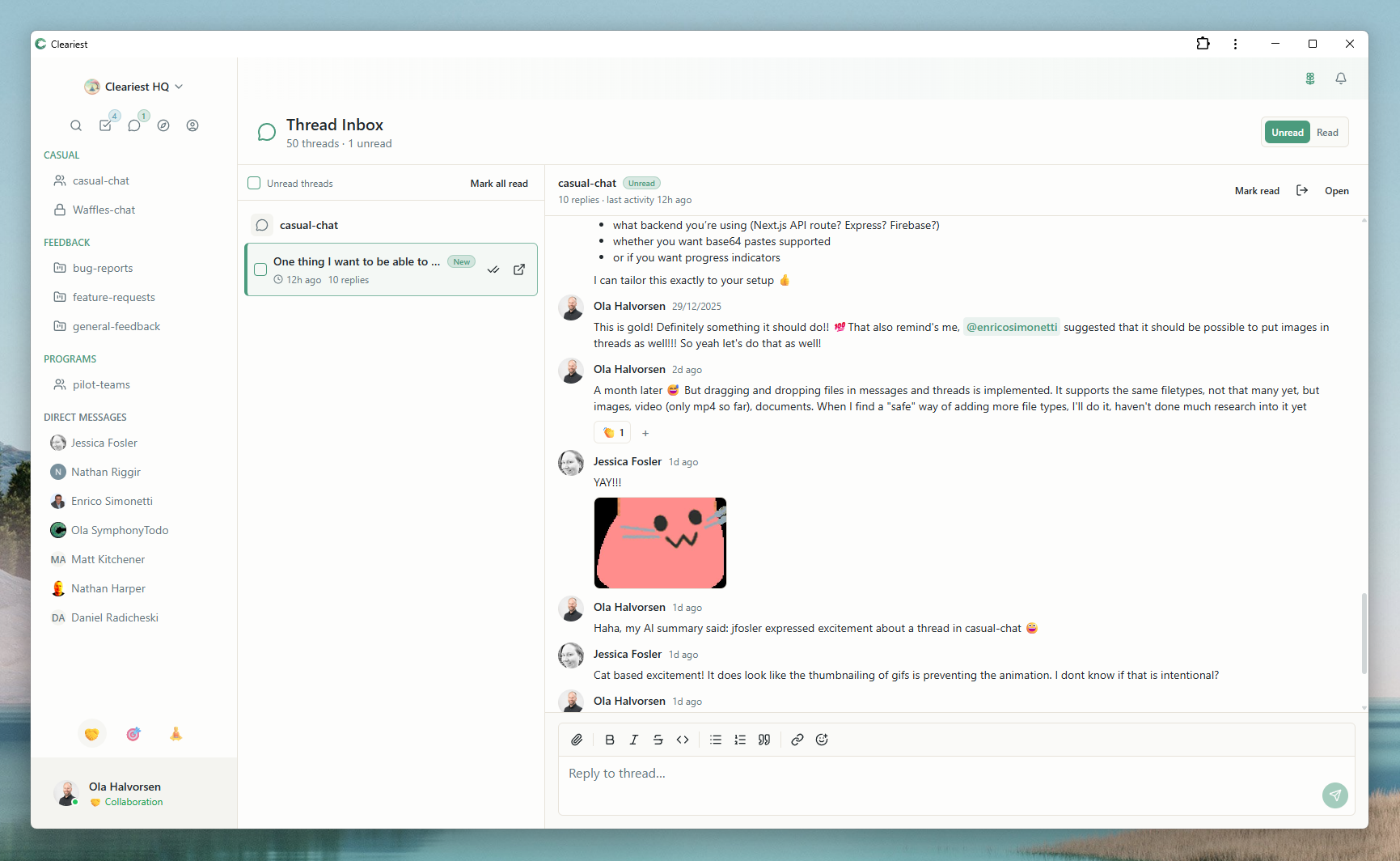
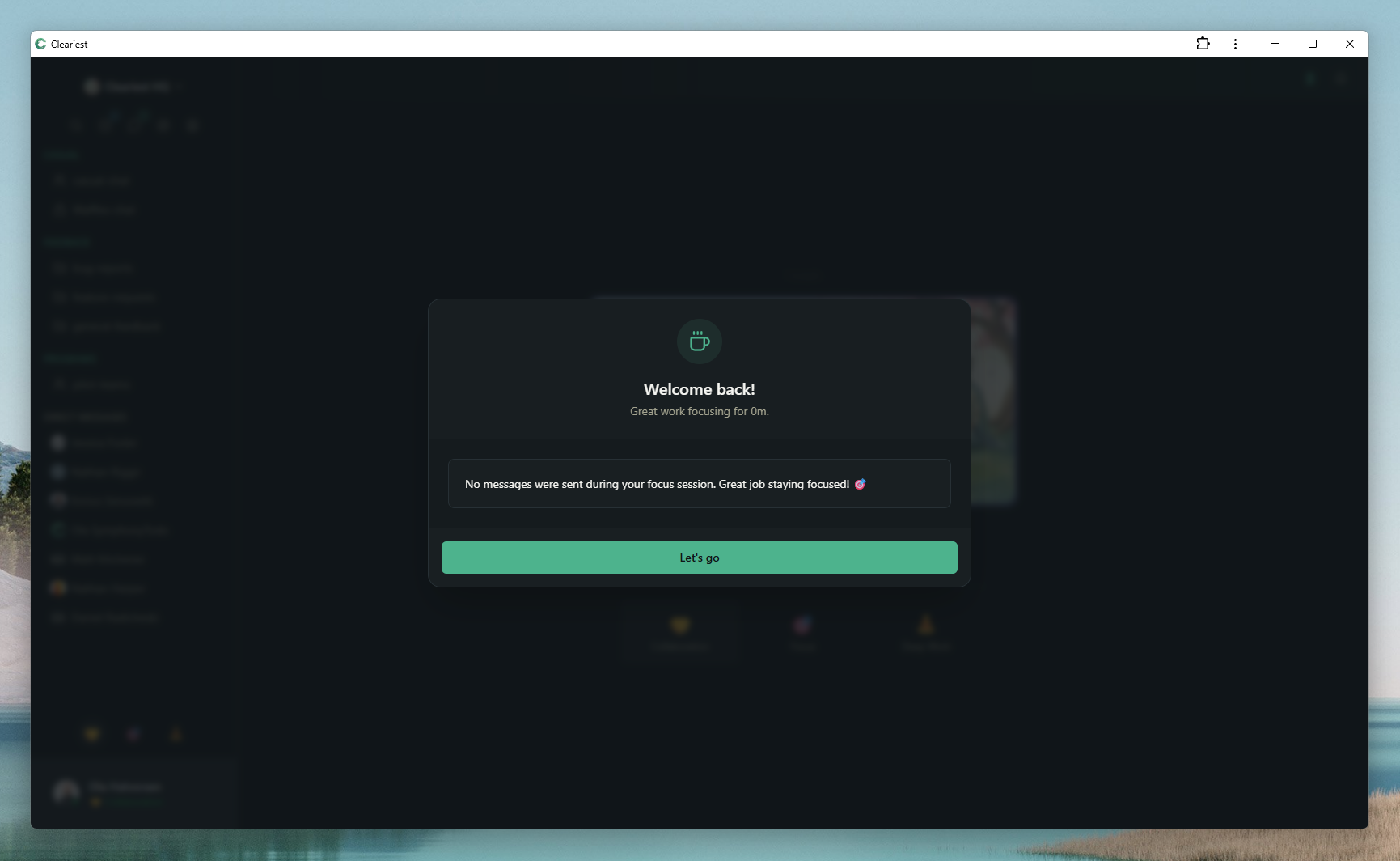
Screens from Cleariest's product gallery that show async catch-up and summary-driven communication.
The Problem with Real-Time Chat for Async Teams
Tools like Slack and Microsoft Teams were built around the assumption that your entire team is online at the same time. Presence indicators show who is available. Typing indicators create urgency. Unread badges and notification sounds demand immediate attention.
For co-located teams working 9-to-5, this model works well. But for distributed teams, remote-first startups, and anyone whose best work happens during focused blocks of uninterrupted time, real-time chat creates three major problems:
Always-on pressure
When chat is real-time by default, there is an implicit expectation to respond quickly. Team members feel guilty for not being available, even when they are doing their most important work. This leads to constant context switching and a culture where "responsive" matters more than "productive."
Time zone friction
Distributed teams wake up to hundreds of unread messages. Without AI summaries or structured catch-up tools, people spend the first hour of their day scrolling through conversations they missed. Important decisions get buried in the stream, and context is lost between handoffs.
Information silos
When communication is real-time, conversations happen in DMs and private channels because it feels easier than posting in a public space. Over time, knowledge gets trapped in private conversations that the rest of the team cannot access.
What Makes a Chat Tool Truly Async-Friendly
An async-friendly chat tool is not just a real-time tool with notifications turned off. It needs to be structurally designed to support workflows where people contribute at different times. Here are the features that matter:
Focus protection that discourages interruptions
Not just muting notifications, but actively changing the UX so colleagues think twice before pinging someone in focus mode. Cleariest's Deep Work Mode does exactly this.
AI-powered catch-up
AI summaries that condense long threads into key decisions and action items. This is essential for people who are offline for hours at a time.
Public-first channels
When everything is public by default, async contributors can find context without asking. No "can you add me to that channel?" — just search and catch up.
Structured async updates
Support for async standups and check-ins that replace synchronous meetings. Post your update when it suits your schedule, read others when you are ready.
Comparing Async Chat Tools
Here is how popular team chat tools compare for async-first workflows:
| Feature | Slack | Teams | Cleariest |
|---|---|---|---|
| Focus mode | DND (mutes) | Focus Assist | Deep Work Mode (batches + friction) |
| AI summaries | Paid tier | Copilot (paid) | Built-in |
| Default visibility | Mixed | Team-scoped | Public by default |
| Async standups | Via bots/apps | Via Power Automate | Native in channels |
| Presence pressure | High (green dots) | High (status rings) | Low (focus-first design) |
See our detailed comparisons: Cleariest vs Slack · Cleariest vs Teams
How Async Teams Use Cleariest in Practice
Here is a realistic example of a 12-person product team distributed across three time zones (US West, Europe, Asia-Pacific):
Asia-Pacific (starts first)
Engineers in Sydney start their day by reading AI summaries of conversations from the US team's afternoon. They post their async standup in the public #engineering channel, pick up tasks, and enter Deep Work Mode for a 3-hour focus block.
Europe (overlaps with APAC)
The Berlin team arrives mid-morning APAC time. They check the public #product channel, read the overnight summary, and respond to any decisions that need European input. A brief 2-hour overlap with APAC allows for any real-time discussion needed.
US West (overlaps with Europe)
The San Francisco team starts after the APAC team is offline. AI summaries catch them up on everything. They post updates, make decisions in public channels, and the cycle continues. Nobody misses context because everything is public and summarized.
Async Communication Framework
Switching to async is not just about tools — it requires norms. Here is a framework for making async work:
-
1
Default to writing. If it can be a message instead of a meeting, write it. Post in a public channel so everyone can benefit from the context.
-
2
Set response time expectations. Not everything needs a reply within minutes. Define what is "urgent" (reply within 1 hour), "important" (same day), and "FYI" (read when convenient).
-
3
Protect focus blocks. Use Deep Work Mode during your most productive hours. Encourage the whole team to have overlapping focus windows.
-
4
Use async standups. Replace daily standup meetings with written check-ins in a public channel. Everyone contributes when it suits their schedule.
-
5
Leverage AI catch-up. Use thread summaries to stay informed without reading every message. This is especially powerful when crossing time zones.
Who This Is For — and Who It Is Not For
Great fit
- Remote-first and distributed teams
- Teams spanning 2+ time zones
- Engineering, design, and product teams
- Teams that want to reduce meeting load
- Founders building async culture from day one
Might not be the right fit
- Sales teams needing real-time response to leads
- Support teams with SLA-driven response times
- Co-located teams that thrive on spontaneous conversation
- Teams requiring extensive third-party integrations
Related Reading
Frequently Asked Questions
What makes a team chat tool async-friendly?
An async-friendly chat tool does not pressure users to respond immediately. Key features include focus/DND modes that actually work, notification batching, AI summaries for catching up on long threads, public channels for discoverability, and threaded conversations that allow asynchronous discussion.
Can you use Slack asynchronously?
You can try, but Slack's design encourages real-time responses. Presence indicators, unread badges, and typing indicators create social pressure to respond immediately. Some teams manage async workflows on Slack with strict norms, but the tool works against you.
Is Cleariest better than Slack for remote teams?
For remote teams that prioritize async communication and focus time, Cleariest is a strong choice. Deep Work Mode, public channels, and AI summaries are specifically designed for teams that do not overlap on the same schedule. Slack is better if you need 2,000+ integrations.
How do AI summaries help async teams?
When team members work across time zones, they often wake up to hundreds of messages. AI summaries condense long threads into key decisions and action items, so people can catch up in seconds instead of scrolling through hours of conversation.
Does Cleariest work for teams across multiple time zones?
Yes. Cleariest's async-first design makes it ideal for distributed teams. Deep Work Mode respects individual schedules, public channels ensure everyone has access to the same information, and AI summaries help people in different time zones catch up efficiently.
Built for Teams That Work Async
14-day free trial, no credit card. Public channels, Deep Work Mode, and AI summaries — all designed for async-first communication.