Remote Team Communication Best Practices for 2026

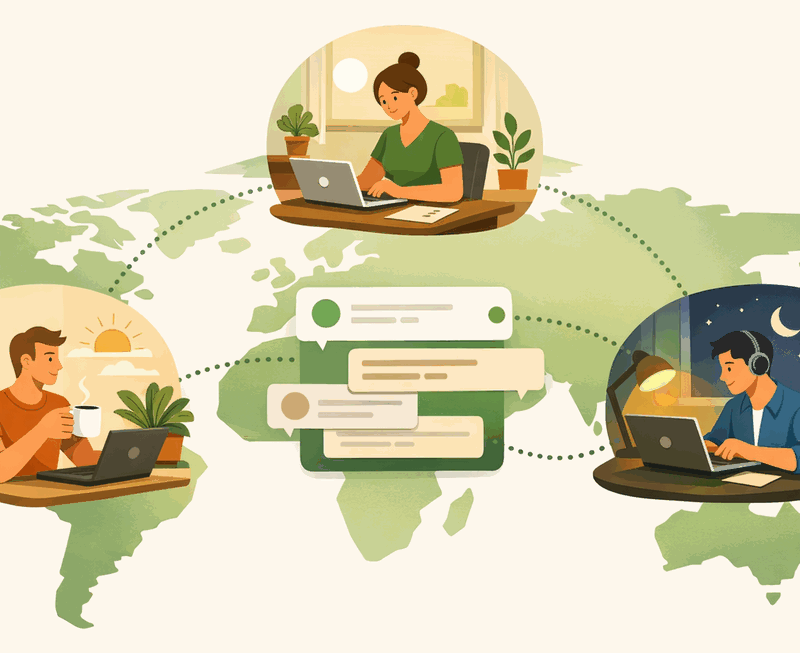
Remote work has gone from experiment to expectation. In 2026, distributed teams are no longer the exception — they’re how most knowledge-work companies operate, whether fully remote, hybrid, or split across time zones. The teams that thrive in this environment aren’t necessarily the ones with the most sophisticated tools. They’re the ones that have built deliberate communication practices and chosen tools that reinforce those practices.
This isn’t a listicle of obvious tips. It’s a set of concrete practices, each of which takes intentional effort to implement and sustain — and each of which pays off measurably in team velocity, alignment, and quality of life.
1. Default to Async — Write It Down First
The single highest-leverage shift a remote team can make is defaulting to asynchronous communication rather than reaching for a call or a message that demands an immediate response. Before sending a message, ask: could this be a clearly written post that the other person can read and respond to on their own schedule?
Writing forces clarity. When you have to write something down instead of saying it in real time, you have to organize your thinking, anticipate questions, and be specific about what you’re asking for. The result is communication that’s cleaner, more actionable, and more useful — both for the person receiving it and for the historical record.
The practical norm: before scheduling a meeting or sending a “can we chat?” message, write down what you want to discuss. If the written version covers it, skip the meeting entirely. If it doesn’t, use the written version as the agenda for a shorter, more focused meeting.
2. Make Conversations Public by Default
In a co-located office, conversations happen in the open. People overhear discussions, walk past whiteboards, absorb context passively. Remote teams lose this ambient information flow. The antidote is making your digital conversations public by default, so that teammates who need context can get it without having to ask.
This means favoring public channels over DMs for work discussions, decisions, and questions. A question asked in a public channel gets answered once and is findable forever. The same question asked in a DM gets answered once and is lost. Over the lifetime of a team, the difference is enormous — in time saved, in onboarding friction reduced, and in alignment maintained.
3. Create Timezone-Friendly Communication Norms
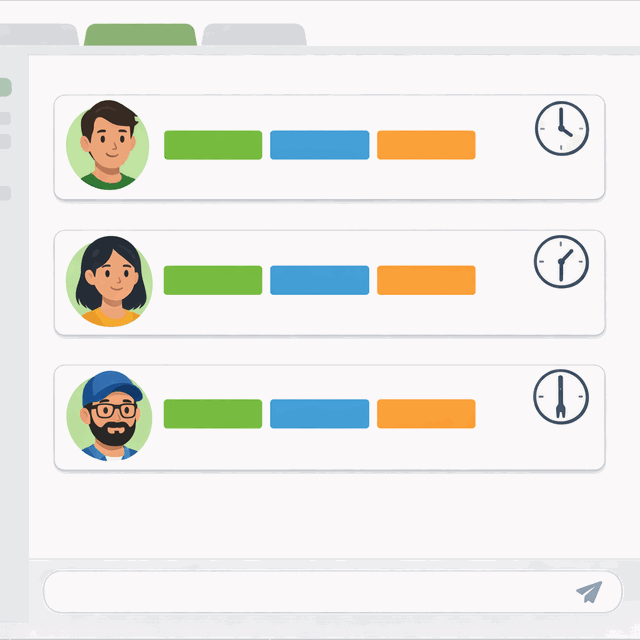
Timezone differences are one of the most common sources of remote team friction, but they’re manageable with the right norms. The key is separating what needs to be synchronous (very little) from what can be async (most things), and then designing your communication practices accordingly.
Define core overlap hours — the 2–4 hours per day when all timezones are online simultaneously. Reserve synchronous meetings for that window, and keep them rare. Outside of core hours, async is the default. Write updates that don’t require an immediate response. Use threaded conversations so people can pick up where the discussion left off when their day starts.
Replace the daily standup meeting with an async standup post. Each person writes a brief update in a dedicated channel: what they completed yesterday, what they’re working on today, any blockers. This gives the whole team visibility without requiring everyone to be online simultaneously. It also creates a written record that’s more useful than the memory of a meeting.
4. Build Documentation Into the Workflow, Not After
Most teams acknowledge that documentation is important. Most teams also treat it as something that happens after the work is done — and therefore something that rarely happens at all. The solution is to design documentation into the communication workflow itself, not as a separate task.
When a decision is made in a channel thread, pin it. When a process is discussed in a public conversation, that conversation IS the process documentation. When you ship a feature, write a brief post in your public updates channel explaining what changed and why. These micro-documentation habits take 2 minutes each and collectively build an organization’s institutional memory over time.
The public channel history becomes your living knowledge base. It’s searchable, chronological, attributed, and automatically kept current because it’s where work actually happens. This is fundamentally different from a wiki that requires deliberate maintenance and is always lagging behind reality.
5. Protect Focus Time Explicitly
Remote work blurs the boundary between “available” and “working.” When you’re online, it’s easy for teammates to assume you’re available for a quick question, a review request, or a real-time discussion. Without explicit protection, your entire day can become reactive — responding to other people’s priorities rather than doing your own deep work.
Build focus blocks into your calendar and communicate them clearly. Use tools with Deep Work Mode that silence notifications automatically for the duration of a focus session. When you enter a focus block, you’re not unavailable — you’re doing the work the team needs you to do. The norm change is that the team doesn’t expect a response during your focus block any more than they’d interrupt you mid-flow in a co-located environment.
6. Use AI Summaries for Timezone Handoffs
When your team spans multiple time zones, conversations that happen during one team’s day need to be accessible to the team members who come online hours later. AI-powered channel summaries make this handoff seamless. Instead of scrolling through 200 messages to find what’s relevant, you get a digest of what happened, what was decided, and what needs your attention.
This isn’t a replacement for good documentation practices — it’s a complement to them. A good AI summary surfaces the key points so you know where to go for context. The full conversation thread is still there when you need the details. The two together eliminate the “I missed something important while I was asleep” problem that plagues timezone-distributed teams.
7. Over-Communicate Context, Under-Communicate Urgency
Remote communication suffers from a persistent context gap. When you’re co-located, tone, body language, and shared environment fill in the gaps. When you’re working asynchronously, a short message without context can be misread, misunderstood, or simply ignored because its relevance isn’t clear.
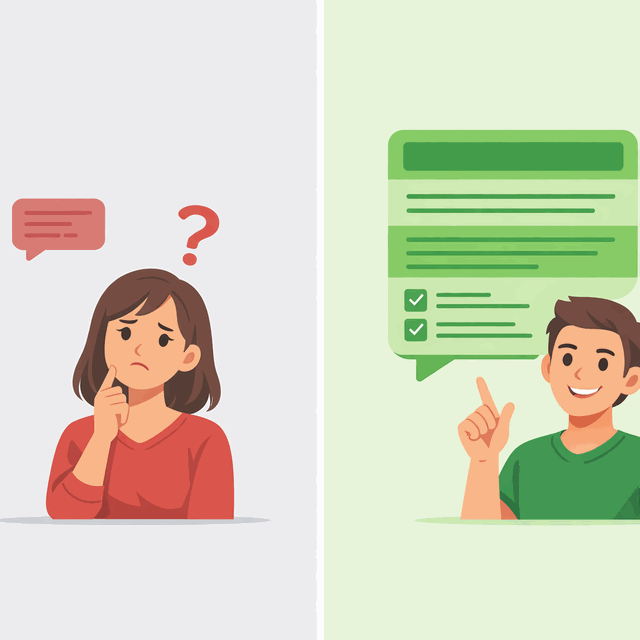
The practice: include more context than you think is necessary. Instead of “can you look at this?”, write: “I’m looking at the checkout flow and found something that seems off — the error state doesn’t show a recovery path. Can you check if this was intentional before I open a ticket? No urgency, whenever you have a moment.” The receiver has everything they need. The urgency framing — “no urgency, whenever you have a moment” — respects their focus time and removes the pressure to respond immediately.
Conversely, reserve urgency signals for actual urgency. When everything is marked urgent, nothing is. A team that uses @here or @channel for non-urgent messages trains people to ignore those signals. When something is genuinely time-sensitive, the signal needs to be trustworthy to be effective.
8. Regular Check-Ins, Not Constant Availability
One of the persistent misconceptions about remote work is that good remote employees are always available online. This isn’t a productive expectation — it’s a recipe for burnout and shallow work. The goal isn’t constant availability. It’s reliable, predictable connection points.
Weekly team check-ins (async or synchronous), regular 1:1s between managers and reports, and clear communication about working hours and availability patterns create the predictability that remote teams need without requiring anyone to be always-on. When people know when they can expect a response from a teammate, they don’t need that teammate to be available at all times — they just need to know when they will be.
The healthiest remote teams are the ones that have designed their communication to be high-trust and low-frequency, rather than low-trust and high-frequency. More messages, more meetings, and more monitoring don’t build trust. Clear norms, reliable follow-through, and consistent transparency do.
Built for distributed teams
- Async-first with public channels that work across time zones
- AI summaries for seamless timezone handoffs
- Deep Work Mode protects focus time for every team member
Related Reading
How Cleariest supports distributed teams across time zones.
Async Standup CommunicationReplace your daily standup meeting with async posts that work better.
Deep Work Tools for TeamsHow to protect focused work time across a distributed team.
Meeting Culture Is BrokenHow to replace most of your meetings with async communication.