Deep Work Tools for Teams: Protect Focus at the Team Level
Individual focus apps solve half the problem. The other half is structural: your teammates can still interrupt you, and a culture that expects immediate responses undermines every personal focus tool you adopt. This guide covers how to protect deep work at the team level, not just individually.
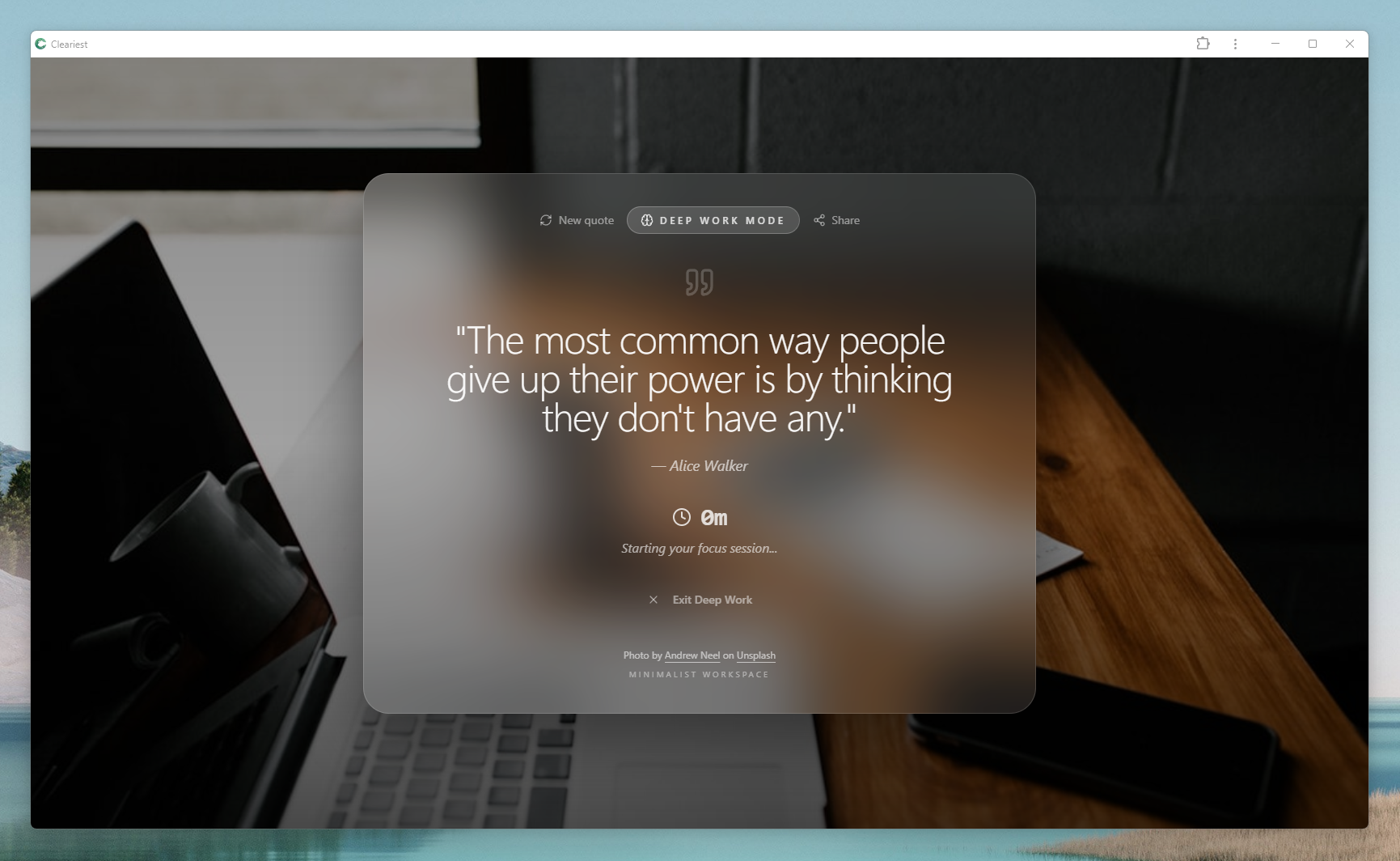
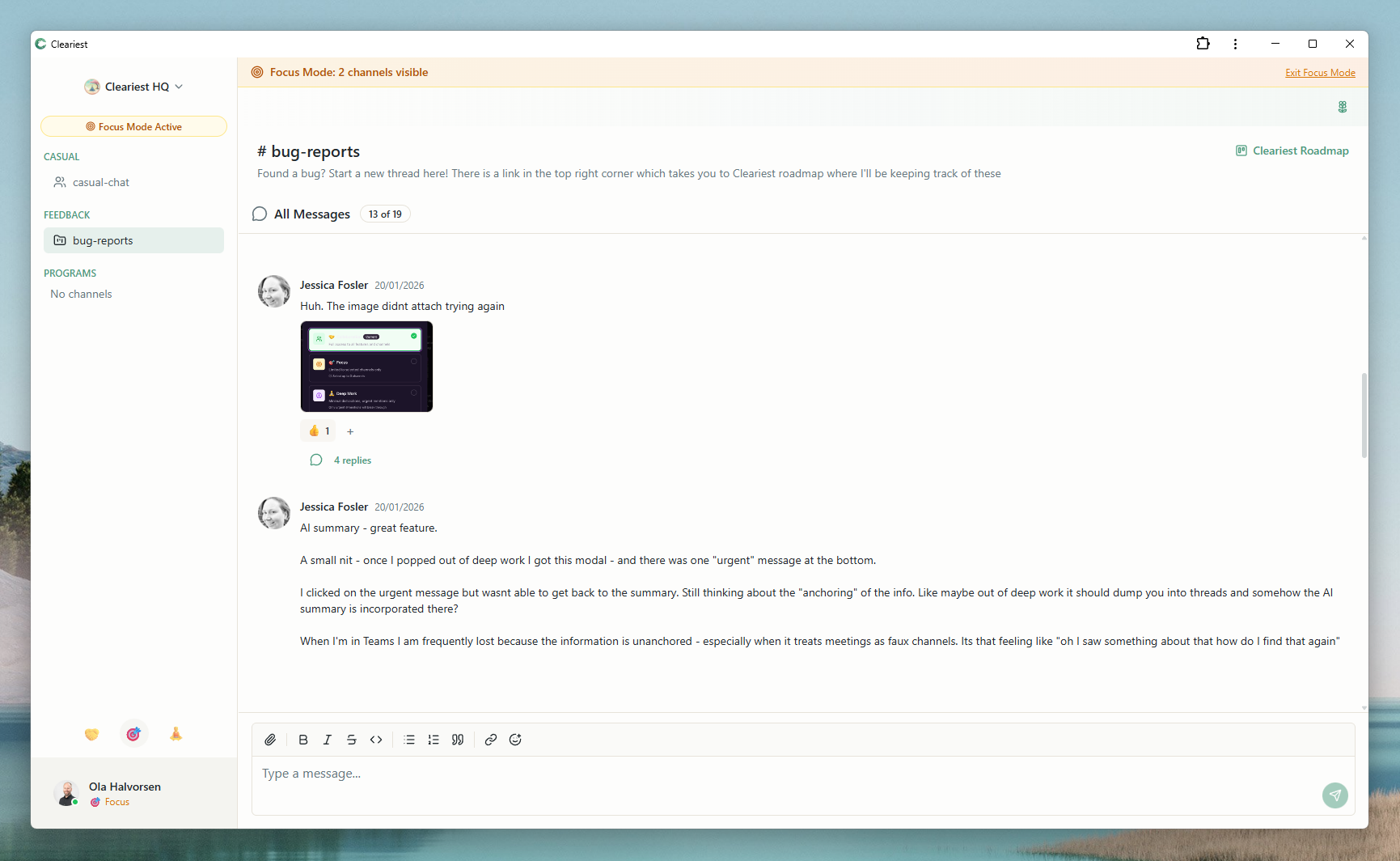
Deep Work Mode and focus controls — protecting focus at the team level, not just individually.
Why Individual Focus Tools Aren't Enough
Apps like Forest, Freedom, RescueTime, and Focus@Will are genuinely useful. They can block distracting websites, create ambient focus environments, and track your attention patterns. But they all share a fundamental limitation: they can only control your own devices and behavior.
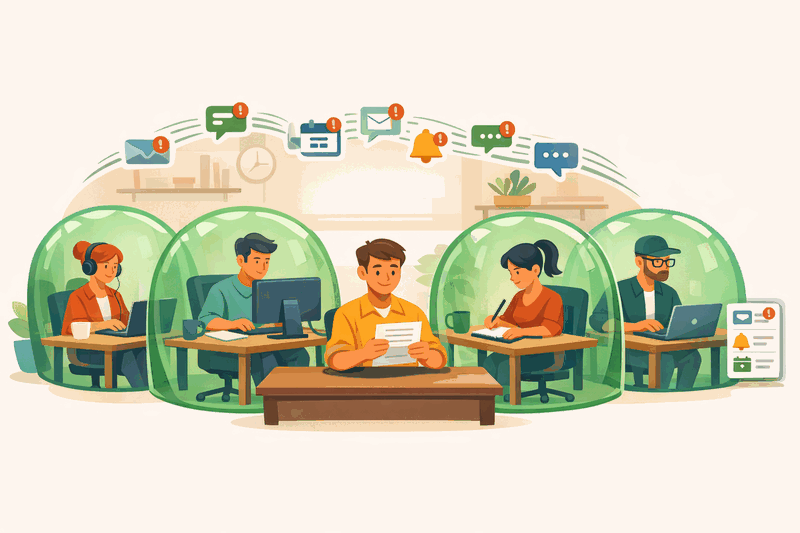
The most common source of workplace interruption isn't Twitter or YouTube — it's your teammates. A Slack message from your manager. A @here mention in a shared channel. A "quick question" that turns into a 20-minute back-and-forth. Individual apps can't fix these because they originate externally.
Cal Newport, who popularized the term "deep work," acknowledges this: the individual practices are necessary but not sufficient. What really enables deep work is a team culture and communication infrastructure that protects focus by design.
The problem with individual solutions: You can block Slack on your machine, but your teammate still sends the message. When your focus session ends, you return to 15 notifications that demand immediate processing. You've deferred the interruption, not eliminated it.
The Team-Level Deep Work Problem
Most organizations have an implicit norm around responsiveness. If you don't reply to a Slack message within 15 minutes, people start to wonder if you're working. This norm — often unspoken — is the root cause of why deep work is so difficult in modern knowledge work environments.
The "always available" culture costs:
- Deep work becomes a luxury, not a norm
- Engineers can't achieve flow state regularly
- Complex problems get shallow solutions
- High performers burn out from constant context switching
A "focused by default" culture enables:
- Regular, predictable deep work blocks
- Higher quality work on complex problems
- Reduced context-switching overhead
- Better retention of high performers
What Team-Level Deep Work Looks Like
A team that has successfully implemented deep work culture has four visible characteristics.
-
1
Everyone knows who is in focus mode
When a teammate activates Deep Work Mode, their status is visible to the team. This normalizes focused work as a legitimate activity rather than something that needs to be hidden or apologized for.
-
2
Interrupting focus requires justification
Emergency overrides exist and work — but require a reason. This simple friction dramatically reduces unnecessary interruptions while preserving the ability to reach someone when something is genuinely urgent.
-
3
Notifications are batched, not eliminated
The goal isn't to never communicate — it's to process communication in deliberate batches rather than reactively. Messages are saved; they're delivered when the focus session ends as a digest.
-
4
The norm is "focused by default, available by choice"
Instead of "always available unless in a meeting," the norm becomes "focused on deep work by default, with dedicated windows for communication." This inversion is culturally powerful.
Cleariest's Deep Work Mode: How It Works
Deep Work Mode is a first-class feature in Cleariest — not an afterthought or a hidden setting. Here's what happens when you activate it.
Set your session length
Choose 25 minutes (Pomodoro), 1 hour, 2 hours, or up to 4 hours. The focus session starts immediately — no complex setup.
Notifications paused
All notifications pause immediately. No badge counts, no banners, no sounds. Your device stays quiet for the duration of the session.
Status visible to team
Teammates see "In Deep Work" next to your name. They know you're focused, not offline or ignoring them. This reduces the anxiety of not responding quickly.
Batched digest on completion
When your session ends, Cleariest delivers a digest of all messages received. You process communication intentionally, not reactively.
Emergency override: If something is genuinely urgent, senders can interrupt your Deep Work Mode — but they're required to provide a reason. This friction is intentional: it prompts senders to ask "is this actually urgent enough to break someone's focus?" Most of the time, the answer is no.
Building a Deep Work Culture Beyond the Tool
Tooling is necessary but not sufficient. A communication tool that supports deep work needs to be paired with cultural practices that normalize it.
Block focus time on team calendars
Create recurring "Deep Work" blocks on shared calendars — typically morning hours when cognitive capacity is highest. This signals to the whole organization that these blocks are protected.
Replace daily standups with async posts
Daily standups fragment morning focus time. An async standup post achieves the same goal in 2 minutes per person instead of 15-30 minutes for the whole team.
Set explicit response time expectations
Define clearly: "We respond to non-urgent messages within 4 hours." This removes the anxiety of not responding immediately and gives everyone permission to focus.
Celebrate deep work wins
When a team member ships a major feature or solves a hard problem, acknowledge that it required uninterrupted focus time. This reinforces that deep work is valued — not just responsiveness.
Measuring the Impact of Team-Level Deep Work
Deep work impact is measurable. Before and after implementing team-level focus practices, track these indicators.
| Metric | Before | After Deep Work Mode |
|---|---|---|
| Average focus session length | 45 min | 90+ min |
| Daily interruptions per person | 8–12 | 2–4 |
| Time to complete complex tasks | 3–4 days | 1–2 days |
| Team-reported satisfaction with focus | Low | High |
Frequently Asked Questions
What is Cal Newport's definition of deep work and how does it apply to teams?
Cal Newport defines deep work as "professional activities performed in a state of distraction-free concentration that push your cognitive capabilities to their limit." For teams, this means creating a shared culture and tooling infrastructure where deep work sessions are respected, protected, and socially normalized — not just individually pursued. A single person doing deep work while their teammates ping them every 10 minutes is not truly doing deep work at the team level.
How is Deep Work Mode different from Slack's Do Not Disturb?
Slack's Do Not Disturb simply silences notifications temporarily, with no visibility to teammates and no structured end-of-session digest. Cleariest's Deep Work Mode goes further: it shows your focus status to teammates (so they understand why you're not responding), batches all messages for delivery when your session ends (so you get a digest, not a wall of notifications), and supports emergency override with a required reason field. It's designed to change team behavior, not just individual settings.
Can I force my whole team into Deep Work Mode at once?
Cleariest supports team-wide focus blocks where a manager or team lead can suggest a shared focus window. Individual team members can join or opt out. This is designed to normalize deep work as a team practice rather than a solo activity, while preserving individual autonomy. The suggested team focus block appears in the UI for all team members, who can activate Deep Work Mode with one click to join.
What happens to messages sent while I'm in Deep Work Mode?
Messages sent while you're in Deep Work Mode are saved normally in the channel or DM — nothing is lost. The difference is that you don't receive a notification until your session ends. When your focus session completes, Cleariest delivers a batched digest of everything that came in, so you can process it deliberately rather than reactively.
Related Reading
Focus Mode for Teams
Activate team-wide focus sessions and batch interruptions across your whole team.
Reduce Slack Notifications
Practical strategies to cut notification overload at the individual and team level.
Notification Fatigue Solutions
The neuroscience of notification overload and how to systematically fix it.
Engineering Team Communication
How engineers can protect flow state with communication tools designed for deep work.
Protect Your Team's Focus Time
Cleariest's Deep Work Mode is built for teams that value focused, high-quality work. Try it free and experience the difference.