Remote Team Communication That Actually Works
Distributed teams face a unique challenge: the tools built for office communication don't map well to async, timezone-distributed work. This guide covers the practices and tool design that make remote team communication genuinely effective — not just digitally present.
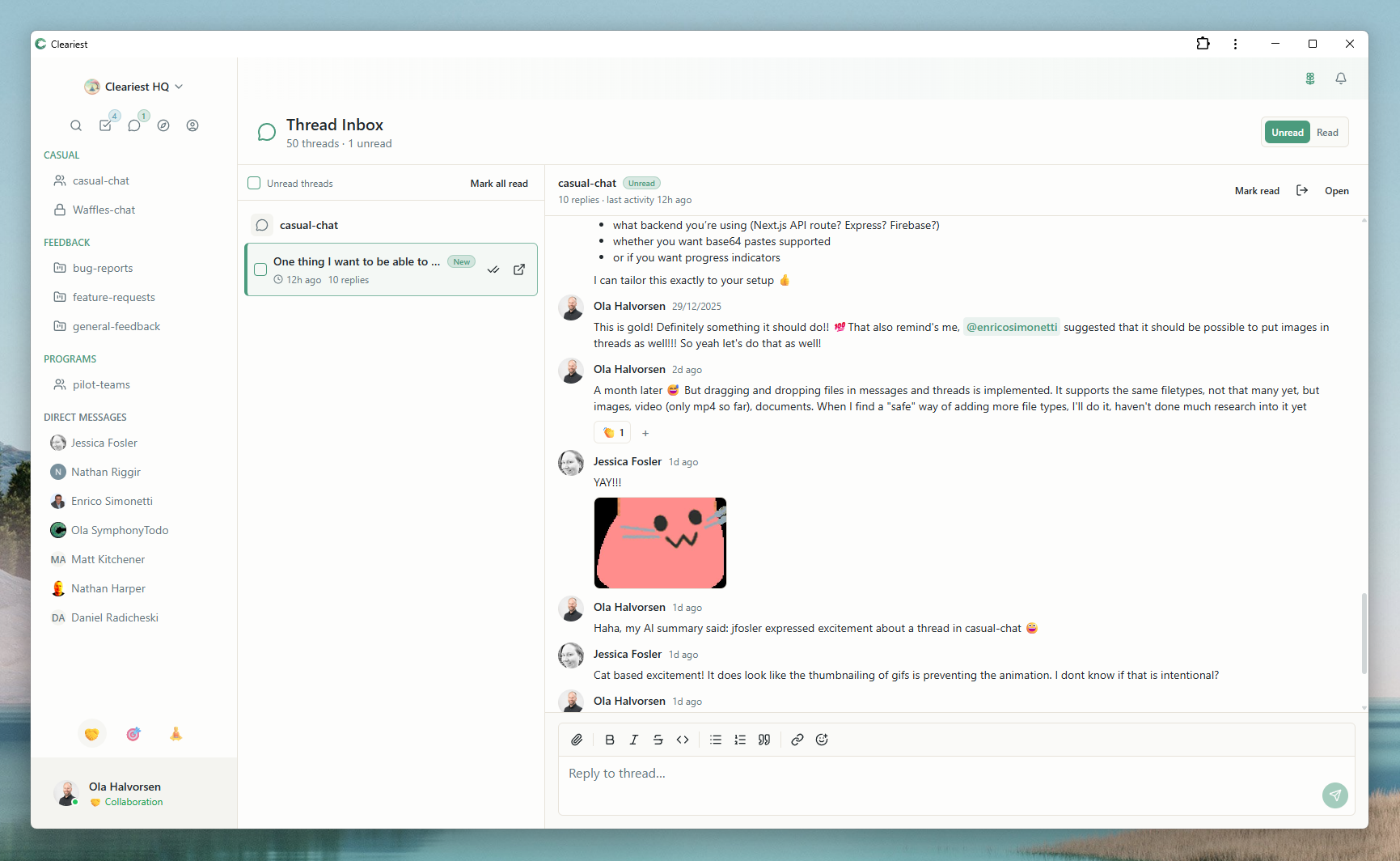
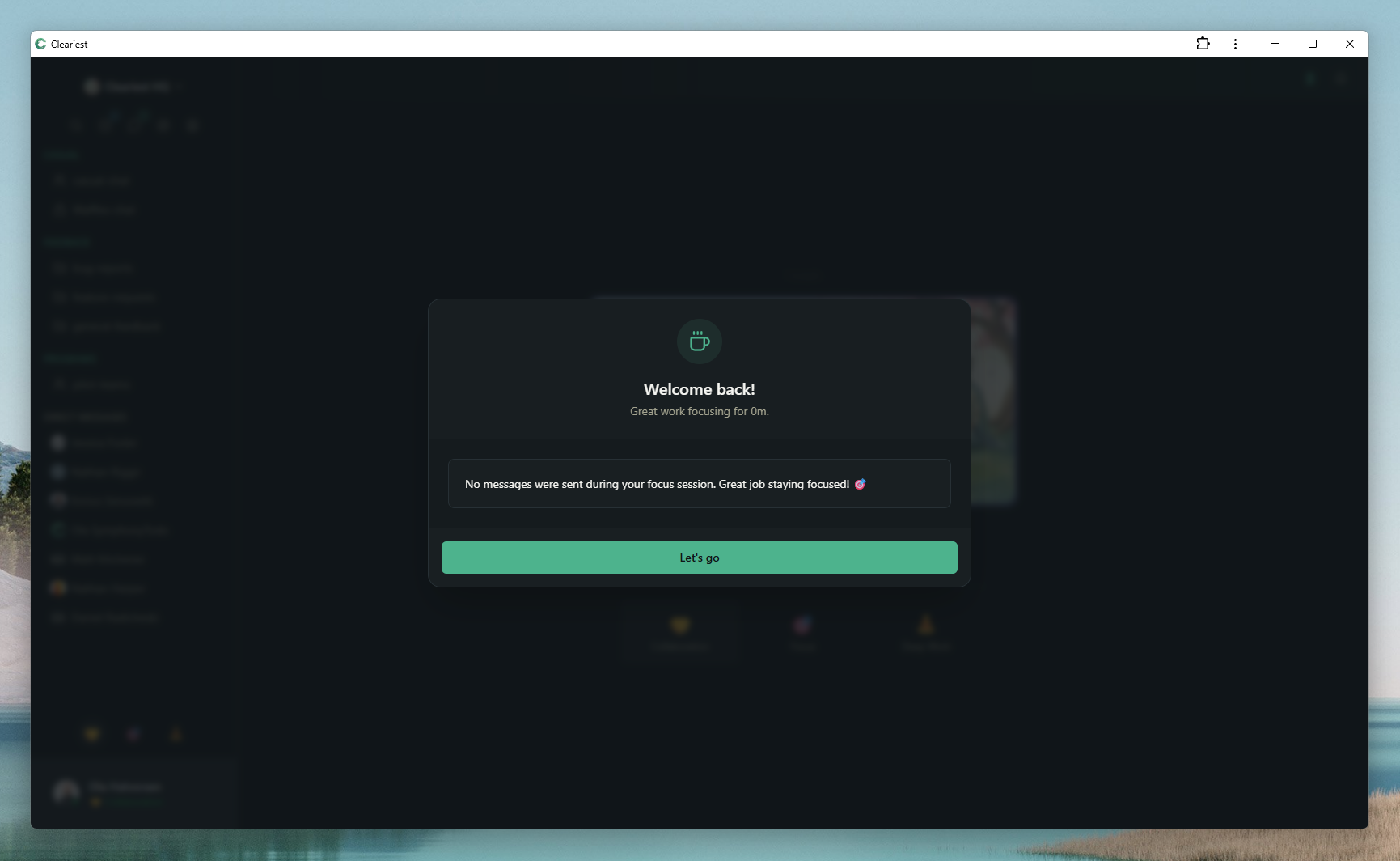
Async-first tools: threaded inbox and AI summaries let distributed teams communicate without requiring everyone online simultaneously.
The Remote Communication Paradox
Here's the counterintuitive truth about remote team communication: adding more communication tools often makes things worse, not better. When a team adopts Slack, then adds Zoom, then adds Notion, then adds Loom, the result is communication scattered across four platforms — not one cohesive information flow.
The deeper problem is that most popular chat tools were designed for office-era communication norms. Slack's entire UX is built around real-time responsiveness — green dots, typing indicators, unread badges. These features make sense when everyone is in the same building and the same time zone. For distributed teams, they create constant pressure to be "always on."
Effective remote communication isn't about being available all the time. It's about ensuring that information flows to the right people at the right time, without requiring everyone to be present simultaneously.
The key insight:
Remote teams don't need faster communication. They need better-structured communication that doesn't require simultaneous presence to be effective.
Three Pillars of Effective Remote Communication
After analyzing how high-performing distributed teams communicate, three pillars consistently appear. These aren't just nice-to-haves — they're the structural elements that determine whether remote communication succeeds or fails.
Transparency
Public channels by default. Decisions, context, and discussions are visible to everyone — not trapped in DMs between two people in one timezone.
Async-First
Write it down instead of calling a meeting. Channel posts, documented decisions, and async standups replace synchronous status meetings.
Focus Protection
Remote workers deserve deep work time just as much as office workers. Notification batching and Deep Work Mode protect focus even across timezones.
Common Mistakes Remote Teams Make
These patterns emerge repeatedly in teams that struggle with remote communication. None are intentional — they're defaults that haven't been examined.
-
Over-relying on real-time sync
Requiring everyone to be online at the same time for status updates, decisions, or "quick syncs." This punishes team members in inconvenient timezones and creates artificial urgency.
-
Too many DMs, too few public channels
When decisions happen in 1:1 direct messages, knowledge is siloed. The next person who needs that context has to ask again. This creates repeat questions and wasted time.
-
No documentation culture
If "writing it down" feels like extra work, the team will default to verbal (video) communication. This creates timezone exclusion — the people who weren't in the call missed the decision.
-
Mistaking presence for productivity
Expecting rapid responses to messages signals that being "online" is more important than being productive. This leads to constant context-switching and prevents deep work.
How Public Channels Solve the "I Missed It" Problem
One of the most frustrating experiences on a distributed team is finding out a decision was made while you were asleep, and the context is buried in a DM thread you can't access. Public channels are the structural fix for this.
Without public channels
- Decision made in DM between two teammates
- Others find out when implementation is underway
- Context requires asking — repeat explanations
- New hires can't access the reasoning history
With public channels
- Discussion happens in a searchable public channel
- Anyone can read the full context, anytime
- Late joiners catch up by reading the thread
- New hires have instant access to decision history
In Cleariest, channels are public by default. Private channels require an intentional choice — not the other way around. This shifts the baseline from "secret unless shared" to "visible unless specifically private."
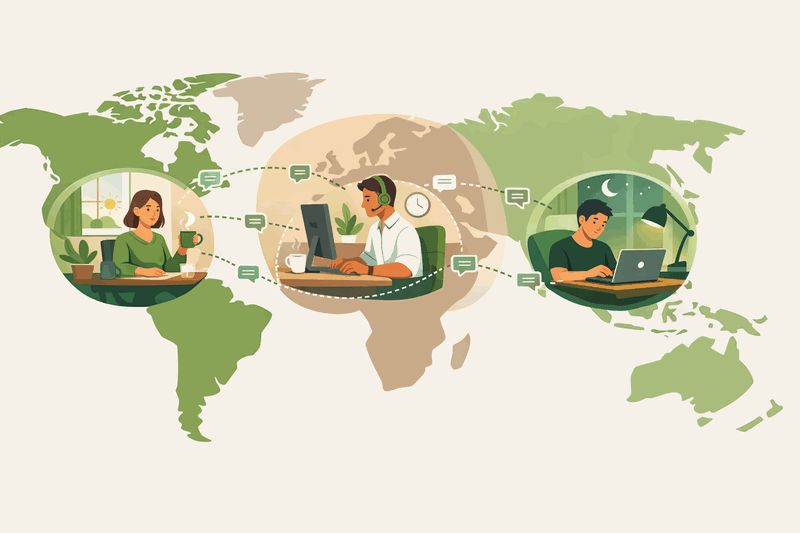
Deep Work Mode for Remote Teams
One of the biggest anxieties for remote workers is the feeling that they need to be visibly online and responsive at all times. This pressure to perform availability is psychologically exhausting and practically counter-productive.
Cleariest's Deep Work Mode addresses this directly. When you activate it, a few things happen:
-
1All notifications pause. No pings, no badge counts, no distractions from teammates in other timezones finishing their workday.
-
2Your status is visible. Teammates see you're in Deep Work — not offline, not ignoring them. Just focused. This normalizes uninterrupted work.
-
3Messages are batched. When your focus session ends, you get a digest of what happened — not a wall of notifications to process.
-
4Urgent messages still get through. Emergency interrupts work with a required reason — so truly urgent communication isn't blocked.
AI Summaries for Timezone Handoffs
The classic remote team problem: you wake up to 200 messages across 6 channels. Which ones matter? What decisions were made? What do you need to know before you start working?
The traditional solution is a "morning sync" call — everyone gets together to recap what happened while others slept. This approach has three problems:
- It requires someone to be available at an inconvenient time
- It takes 30 minutes to convey information that could be read in 2 minutes
- The information isn't searchable or referenceable afterward
Cleariest's AI summaries replace the morning sync. Each channel can be summarized to highlight key decisions, action items, and discussion threads — delivered as a scannable digest. You get context in 2 minutes instead of 30, on your own schedule, without anyone having to stay late for a handoff call.
Example: The EU team works while the US team sleeps. US team wakes up to 4 hours of conversation in #engineering. Instead of reading everything, they request an AI summary. In 30 seconds, they know: one PR was merged, a deployment decision was deferred pending a dependency update, and two tickets were reassigned. They're aligned and can start their day productively.
Remote Work Feature Comparison
Not all team chat tools are equal for distributed teams. Here's how the tools compare on features that actually matter for remote communication.
| Feature | Slack | Cleariest |
|---|---|---|
| Public channels by default | ||
| AI channel summaries | Paid add-on | |
| Deep Work / focus mode | DND only | |
| Notification batching | ||
| Async-first UX design | ||
| Full message history (free) | 90 days on free |
Frequently Asked Questions
What's the best communication tool for remote teams?
The best tool depends on your team's communication culture. Slack and Microsoft Teams are popular but are optimized for real-time responsiveness — the opposite of what async-first remote teams need. Cleariest is designed specifically for distributed teams that prioritize deep work, public-first transparency, and asynchronous communication as the default mode rather than the exception.
How do you manage timezone differences in remote teams?
The key is making async communication the default, not the fallback. Post updates to public channels rather than scheduling synchronous calls. Use AI summaries to let team members in different timezones catch up on overnight conversations without needing to hold meetings. Establish small overlap windows for genuinely synchronous discussion, but treat them as the exception, not the rule.
Should remote teams use async or sync communication?
Remote teams should default to async for the vast majority of communication — status updates, decisions, standups, and most project discussions can all be async. Real-time sync is valuable for brainstorming sessions, sensitive conversations, and complex problem-solving that genuinely benefits from live back-and-forth. Async-first reduces timezone friction, gives everyone time to think before responding, and creates a written record by default.
How does Cleariest help remote teams stay aligned?
Cleariest helps remote teams stay aligned through three core features: public-first channels (so everyone has access to decisions and context regardless of when they're online), AI summaries (so timezone gaps don't require catch-up meetings), and Deep Work Mode (so team members can focus without pressure to respond immediately, reducing the "always online" anxiety that plagues distributed teams).
Related Reading
Reduce Meeting Overload
Replace status meetings with async channel updates and save 10+ hours per week.
Async Standup Communication
How to replace daily standups with async channel posts that work across timezones.
AI Chat Summaries for Teams
Catch up on hours of conversation in seconds with AI-powered channel summaries.
Public vs Private Channels
Why default-public communication builds stronger, better-aligned remote teams.
Communication Built for Remote Teams
Cleariest is designed async-first, transparent by default, and focus-protecting by design. Try it free with your distributed team.