Async Standup Meetings for Remote Teams
Daily standup meetings made sense when everyone sat in the same room. For distributed teams, they create scheduling headaches, timezone conflicts, and context-switching costs that outweigh the benefits. Async standups let your team share progress on their own schedule — and often produce better, more thoughtful updates.
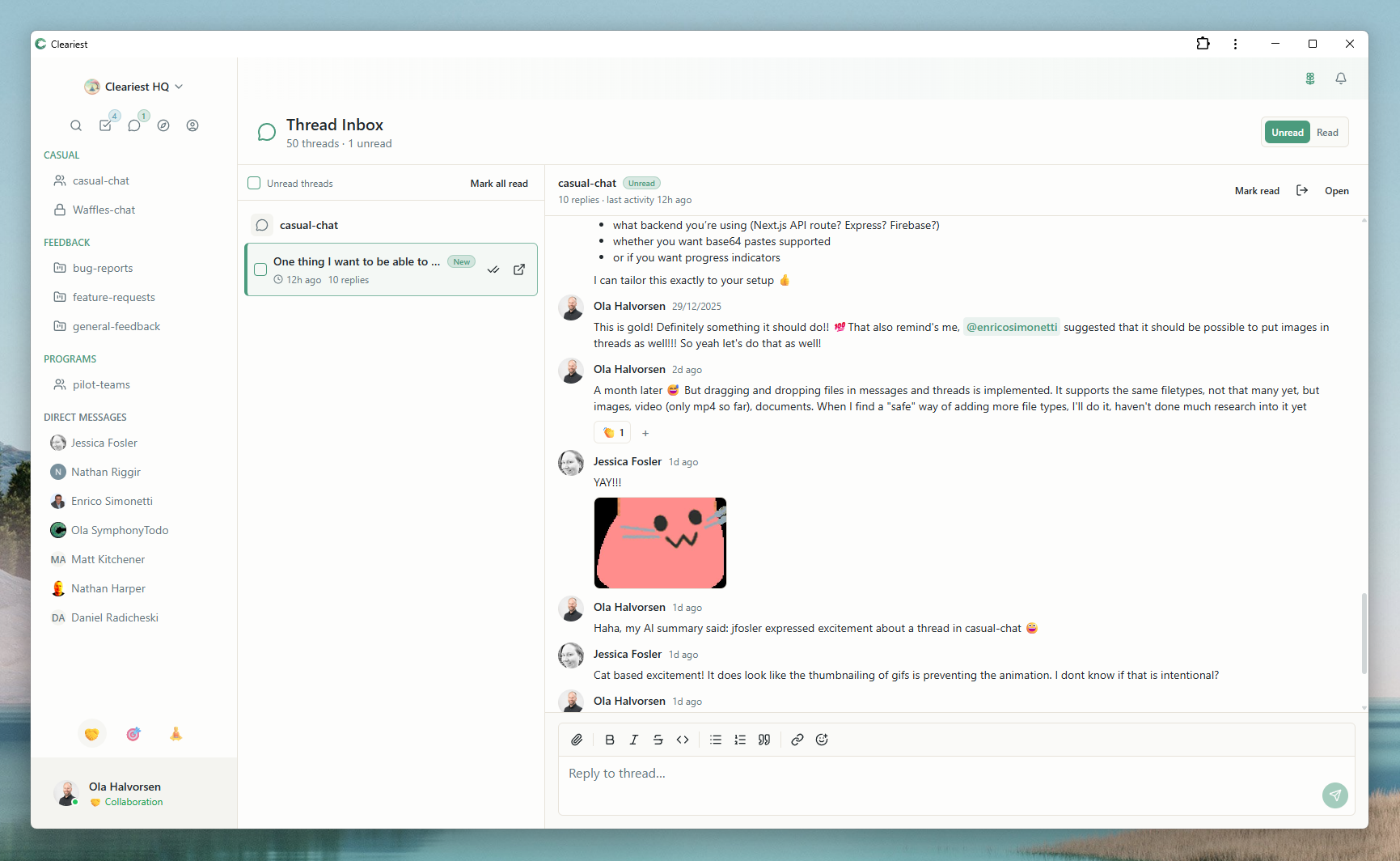
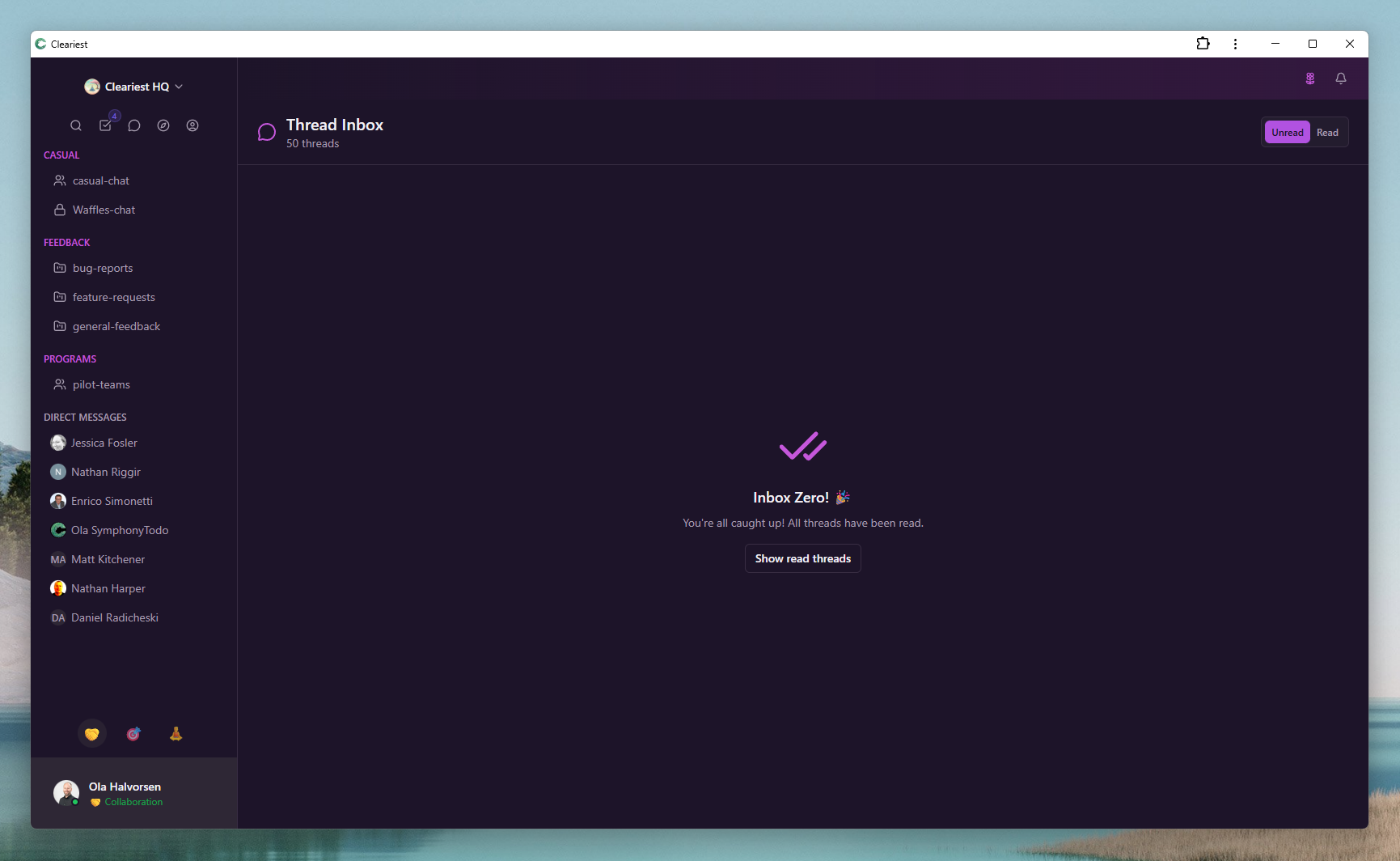
Screens from the compare pages that illustrate async threads and inbox-style standup catch-up.
The Problem with Synchronous Standups
A daily standup is supposed to take 15 minutes. In practice, it costs far more. Someone needs to schedule the meeting. Everyone needs to context-switch out of whatever they are working on, join a video call, wait for latecomers, and then switch back to deep work afterward. Research shows that the average context switch takes 23 minutes to recover from — so a 15-minute meeting actually costs closer to 40 minutes per person.
Now multiply that across a team. An 8-person standup that runs 15 minutes consumes 2 hours of total team time. Add the context-switching overhead and you are looking at more than 5 hours of productive time lost every single day. Over a five-day week, that is 25+ hours — more than three full working days evaporated by a meeting designed to be lightweight.
For distributed teams, the math gets worse. If your team spans three or more time zones, the meeting time that works for everyone is usually someone's early morning or late evening. That creates resentment, uneven participation, and a subtle pressure for remote employees to adjust their lives around a ceremony that could happen asynchronously.
The worst part: most of the information shared in synchronous standups is not urgent. Yesterday's progress and today's plan do not require real-time conversation. They require visibility. And visibility does not need a video call.
How Async Standups Work
An async standup replaces the synchronous meeting with written updates posted in a shared channel. Each team member writes a brief update covering what they accomplished yesterday, what they plan to work on today, and any blockers standing in their way. The format is simple and consistent, making updates easy to scan.
Everyone contributes when it suits their schedule. An engineer in Berlin posts their update at 9 AM CET. A designer in San Francisco posts theirs at 9 AM PST. No one waits for anyone else. No one adjusts their schedule around a meeting invite. The updates accumulate in the channel throughout the day, forming a searchable record of team progress.
Because the updates are written, they tend to be more precise than verbal updates. People skip the filler and focus on what actually matters. And unlike a meeting where information evaporates the moment it is spoken, async updates create a persistent log that anyone can reference — including teammates who were on leave, stakeholders checking in, or new hires getting up to speed.
With tools like Cleariest, AI summaries can digest the day's updates into a quick overview. Instead of reading eight individual posts, a team lead can read a single summary highlighting key progress and flagged blockers — in under a minute.
Setting Up Async Standups in Cleariest
Getting started with async standups in Cleariest takes a few minutes. Here is how to set it up for your team:
-
1
Create a dedicated #standups channel. Make it a public channel so everyone in the workspace can see progress. Cleariest's public-first design means updates are transparent by default, reinforcing visibility across the team.
-
2
Set a daily rhythm. Agree on a window for posting — for example, everyone posts by noon in their local time zone. This gives structure without forcing synchronous participation.
-
3
Use a consistent template. Pin a template in the channel so everyone follows the same format. Consistency makes updates easy to scan and compare across days.
-
4
Leverage AI summaries. Use Cleariest's AI summary feature to generate a digest of the day's updates. This gives managers and cross-functional stakeholders a quick overview without reading every post.
Async Standup Template and Best Practices
A good async standup template keeps updates focused and actionable. Here is a proven format that works well for most teams:
✅ Yesterday
- Completed the API endpoint for user notifications
- Reviewed PR #142 (left comments on error handling)
📋 Today
- Start frontend integration for notification preferences
- Pair with @sarah on the database migration
🚧 Blockers
- Waiting on design specs for the empty state — @design-team
Keep updates brief
Three to five bullet points total. If your update takes more than 3-5 minutes to write, you are over-explaining. Save the detail for threads or dedicated discussions.
Focus on blockers
The most valuable part of a standup is surfacing blockers. Make this the section your team takes most seriously. Tag the relevant person so they see the request without needing to read the entire channel.
Link to relevant context
Reference pull requests, design files, or thread links so readers can dig deeper if they need to. This replaces the verbal back-and-forth of a synchronous meeting with self-service context.
Respond to blockers asynchronously
When you see a teammate flagging a blocker, reply in a thread. Do not wait for the next meeting. Async standups work best when the follow-up is also async — fast, focused, and documented.
Measuring Async Standup Effectiveness
Switching to async standups is not just about preference — it produces measurable improvements. Track these metrics to evaluate the impact:
-
Time saved per week. Calculate the total meeting time eliminated. For an 8-person team with a 15-minute daily standup, that is 10 hours per week of meeting time returned to the team. Factor in context-switching recovery and the savings are even larger.
-
Blocker resolution speed. Track how quickly blockers get resolved after being posted. In synchronous standups, a blocker raised on Monday is often discussed but not acted on until Tuesday. In async standups, the tagged person can respond immediately in a thread.
-
Participation rate. Monitor how consistently team members post updates. A well-run async standup should see 90%+ participation. Public channels make it naturally visible when someone misses a day, creating organic accountability.
-
Team satisfaction. Survey your team after a month of async standups. Ask whether they feel more or less informed, whether they have more uninterrupted focus time, and whether they prefer the new format. Most teams that try async standups do not go back.
Who This Is For — and Who It Is Not For
Async standups work well if
- Your team is distributed across two or more time zones
- Engineers and designers need long, uninterrupted focus blocks
- Your standups have become status reports nobody listens to
- You value written documentation over verbal summaries
Might not apply if
- Your team is fully co-located and enjoys the social ritual of a morning huddle
- Your standups are genuinely collaborative problem-solving sessions, not status updates
- Your team is very small (2-3 people) and the overhead of a quick call is negligible
Related Reading
Frequently Asked Questions
Don't async standups lose the human connection?
This is a fair concern. The solution is to complement async standups with a weekly video hangout or social call. Daily standups do not need to be the social connector for your team — a dedicated social ritual works better for bonding anyway.
How do you handle blockers in async standups?
Tag the relevant person directly in your update, then discuss the blocker in a thread. Use AI summaries to surface blockers quickly. This is often faster than waiting until tomorrow's synchronous meeting to raise the issue.
What if someone forgets to post their update?
Set a daily reminder in the channel. Because async standups happen in a public channel, it is visible when someone misses an update, which creates gentle social accountability without a manager needing to follow up.
Can async standups work with Scrum?
Yes. Many Scrum teams use async updates for the daily standup and keep sprint planning, reviews, and retrospectives as synchronous meetings. The Scrum Guide does not prescribe how standups must be conducted — only that the team inspects progress daily.
How much time do async standups actually save?
A 15-minute synchronous standup for 8 people costs 2 hours of total team time, plus context-switching overhead for anyone pulled out of focus work. Async updates take 3-5 minutes per person to write and can be read on each person's own schedule with no scheduling overhead.
Try Async Standups with Cleariest
Cleariest's public channels, AI summaries, and focus-friendly design make it the ideal platform for async standups. 14-day free trial, no credit card required.