How to Reduce Slack Notification Overload
Your team uses Slack for communication, but the constant stream of pings, badges, and thread replies is fragmenting everyone's focus. Here is a practical guide to diagnosing the problem, applying fixes within Slack, and knowing when it is time for a tool that handles notifications differently.
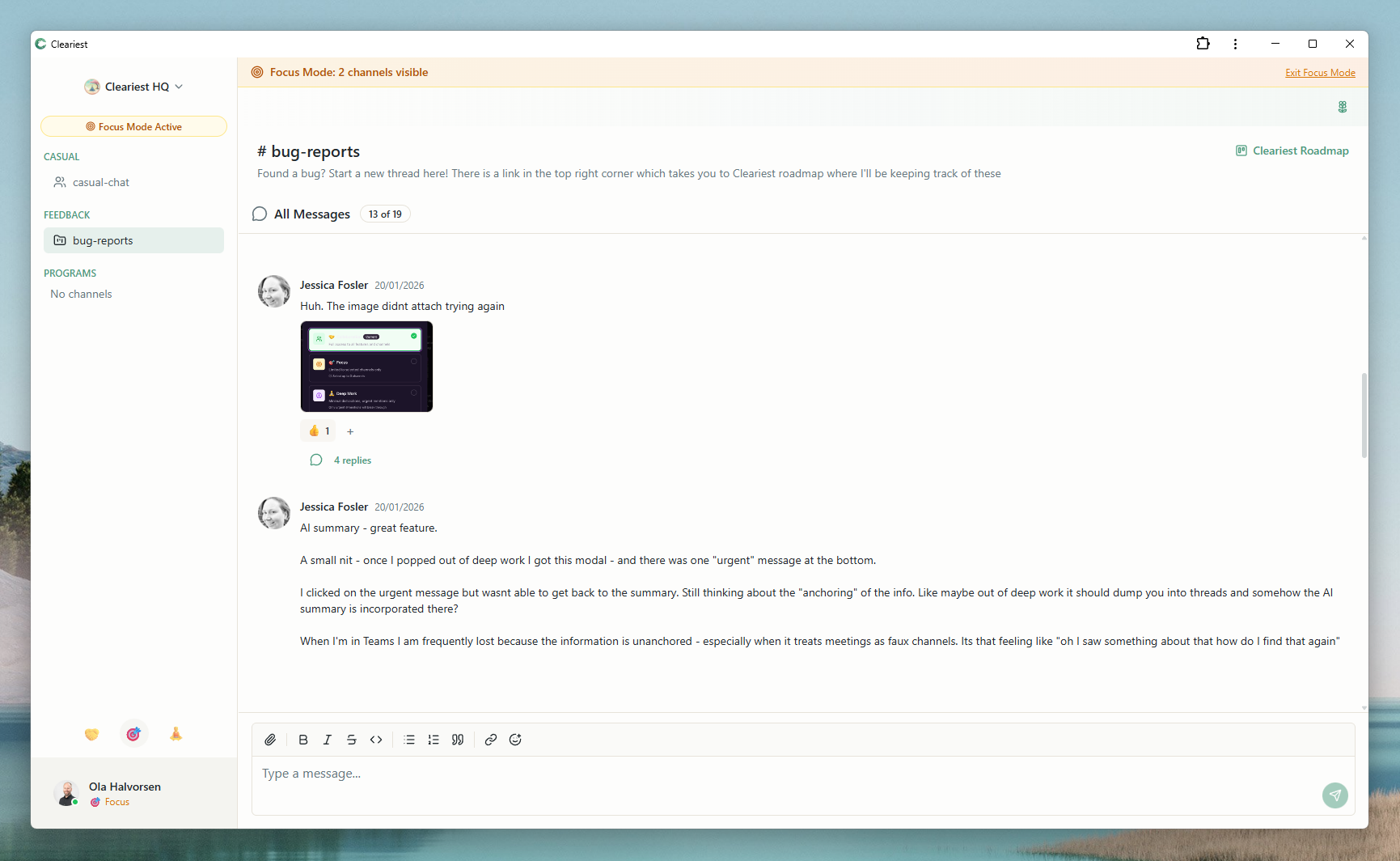
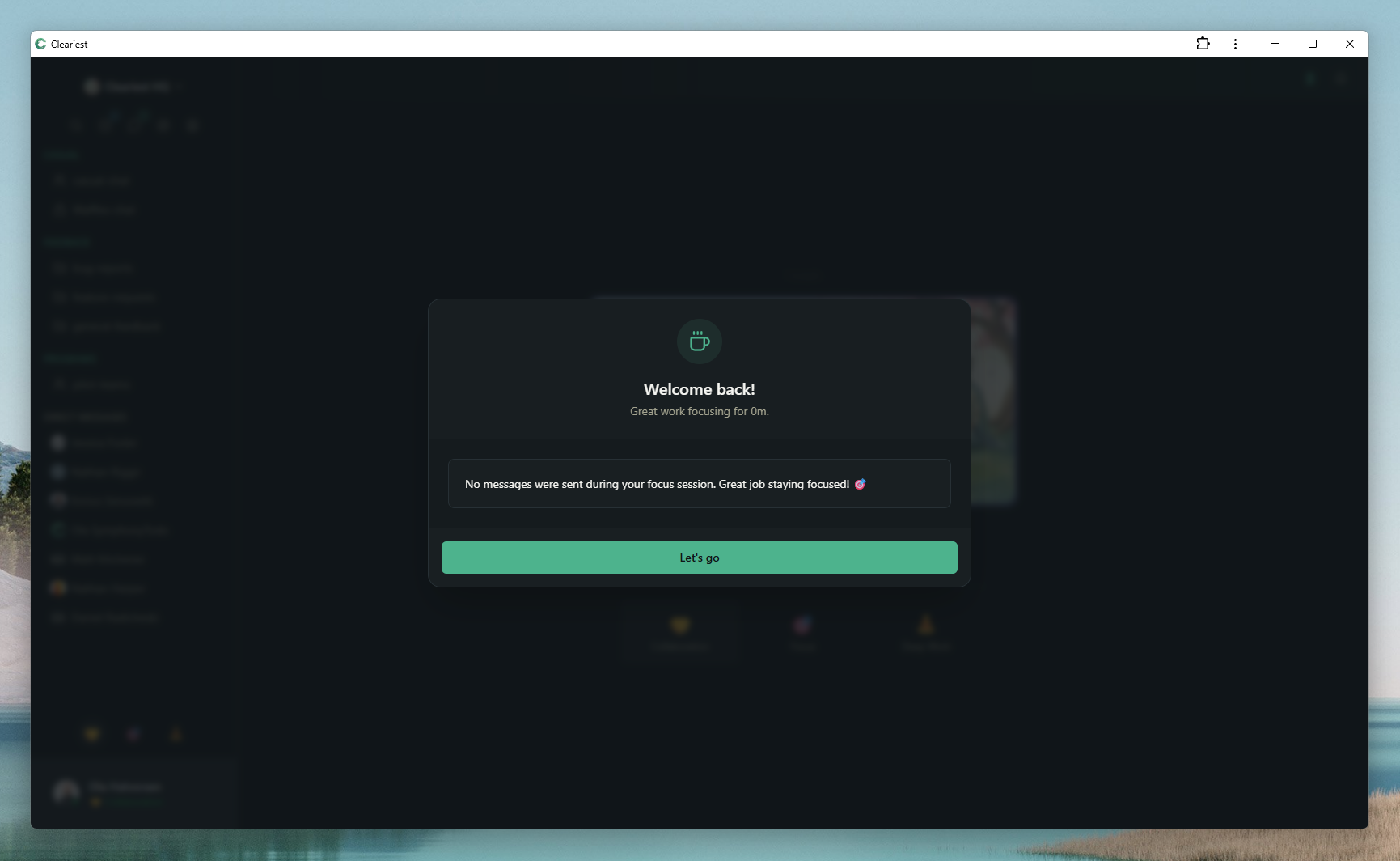
Screens from the comparison gallery that illustrate notification batching and summary-based catch-up.
Why Slack Notifications Are So Disruptive
Slack was designed for responsiveness. Every feature — from presence indicators to typing bubbles to unread badges — is built to keep you engaged and replying quickly. For sales teams and support teams, this is exactly what you want. For engineering, design, product, and creative teams, it is the opposite of productive.
Research from the University of California, Irvine found that it takes an average of 23 minutes and 15 seconds to return to the original task after an interruption. If a developer receives just four Slack notifications during a two-hour coding session, that session is effectively destroyed — not because the notifications take long to read, but because the mental context switch is expensive.
The problem compounds across a team. A five-person engineering team losing two hours each per day to notification-driven context switching loses ten hours of deep work daily. Over a month, that is roughly 200 hours of productive engineering time — evaporated by pings.
Notification Audit: Diagnose Your Problem
Before applying fixes, understand where the noise is coming from. Run this audit with your team:
-
1
Count your channels. How many channels is each person in? If the average is over 15, you have channel sprawl. Many of those channels are likely inactive or duplicative.
-
2
Track interruption sources. For one day, have each team member note every notification that interrupted their focus. Categorize them: DMs, @mentions, thread replies, bot messages, app notifications.
-
3
Identify the worst offenders. Which channels and integrations generate the most noise? Often, CI/CD bots, JIRA integrations, and high-traffic general channels account for most of the volume.
-
4
Measure recovery time. Ask your team: after a Slack notification interrupts your work, how long does it typically take to get back into focus? Most people underestimate this.
Fixes You Can Apply in Slack Today
These strategies help reduce notification noise within Slack. They are worth trying before considering a tool change:
Mute low-priority channels
Right-click any channel and select "Mute channel." Muted channels do not send notifications but still show unread indicators. This is a good first step for channels you want to check on your schedule rather than reactively.
Set channel-specific notification preferences
For each channel, you can choose to only receive notifications for @mentions rather than all messages. This dramatically reduces noise in high-traffic channels while ensuring you are alerted when someone needs you specifically.
Use Do Not Disturb schedules
Set recurring DND schedules in Slack for your focus hours. This silences notifications during specified windows. The limitation: DND only mutes — it does not batch messages or create friction for interrupters. You still return to a wall of unread badges.
Archive dead channels
Audit your workspace quarterly and archive channels that have been inactive for 30+ days. Channel sprawl is one of the biggest contributors to notification fatigue because people stay joined to channels they never read.
Move bots to dedicated channels
CI/CD notifications, JIRA updates, and other automated messages should go to dedicated bot channels that people can mute. Mixing automated noise with human conversation in the same channel amplifies the problem.
When Slack Fixes Are Not Enough
The strategies above help, but they are workarounds. They ask you to fight against Slack's design rather than work with a tool designed for focus. You know the fixes are not enough when:
- Team members still check Slack compulsively even during DND because unread badges create anxiety
- Your developers cannot sustain a 2-hour focus block without feeling like they are missing something important
- DND reduces noise but does not help you catch up efficiently when you return
- Your team's culture still rewards fast responses over thoughtful, focused work
This is where a structurally different tool becomes relevant. Cleariest's Deep Work Mode does not just mute — it pauses notifications, batches messages, and requires a reason for any interruption. The difference is not just quieter; it is a fundamentally different relationship between your team and their chat tool.
Notification Reduction Checklist
Whether you stay on Slack or explore alternatives, use this checklist to systematically reduce notification overload:
- Run a notification audit (one day minimum)
- Mute all channels that are not directly relevant to your daily work
- Set channel notifications to @mentions-only for high-traffic channels
- Move all bot and integration messages to dedicated channels
- Archive channels inactive for 30+ days
- Establish team norms for when @channel and @here are appropriate
- Schedule recurring DND blocks during peak focus hours
- Evaluate whether your tool is working with or against your focus goals
Who This Is For — and Who It Is Not For
This guide helps if
- Your team spends more time in Slack than doing actual work
- Developers cannot hold focus for more than 30 minutes
- Notification anxiety is affecting team wellbeing
- You have tried muting channels but it is not enough
Might not apply if
- Your team thrives on real-time responsiveness (sales, support)
- You have fewer than 5 Slack channels and minimal noise
- The problem is purely cultural, not tool-related
Related Reading
Frequently Asked Questions
Why are Slack notifications so distracting?
Slack sends notifications for direct messages, channel mentions, thread replies, reactions, and app updates. Each notification triggers a context switch that takes an average of 23 minutes to recover from. The cumulative effect fragments focus throughout the day.
Can I fix notification overload without changing tools?
Partially. You can mute channels, customize notification settings, and use Slack's Do Not Disturb. But Slack's core design encourages responsiveness, so you are always working against the tool's defaults. A tool designed for focus, like Cleariest, addresses the root cause.
How many notifications does the average Slack user get per day?
Studies suggest knowledge workers receive 50-100+ notifications per day from chat tools. For active Slack users in multiple channels, this number can be significantly higher, especially with thread replies and app integrations.
Does Cleariest eliminate notifications entirely?
No. Cleariest still has notifications for direct messages and mentions. The difference is Deep Work Mode, which pauses all notifications during focus time and batches them for later review. You stay informed without being constantly interrupted.
Ready for Calmer Team Communication?
Cleariest was designed to protect focus, not demand attention. Try it free with your team and experience the difference.