Slack vs Teams vs Cleariest: Which Team Chat Is Right for You?
In 2026, the three most common team chat options are Slack, Microsoft Teams, and Cleariest. Each has a different philosophy, different pricing, and different strengths. This side-by-side comparison covers the things that actually matter for working teams — focus protection, pricing, setup time, and long-term communication health.
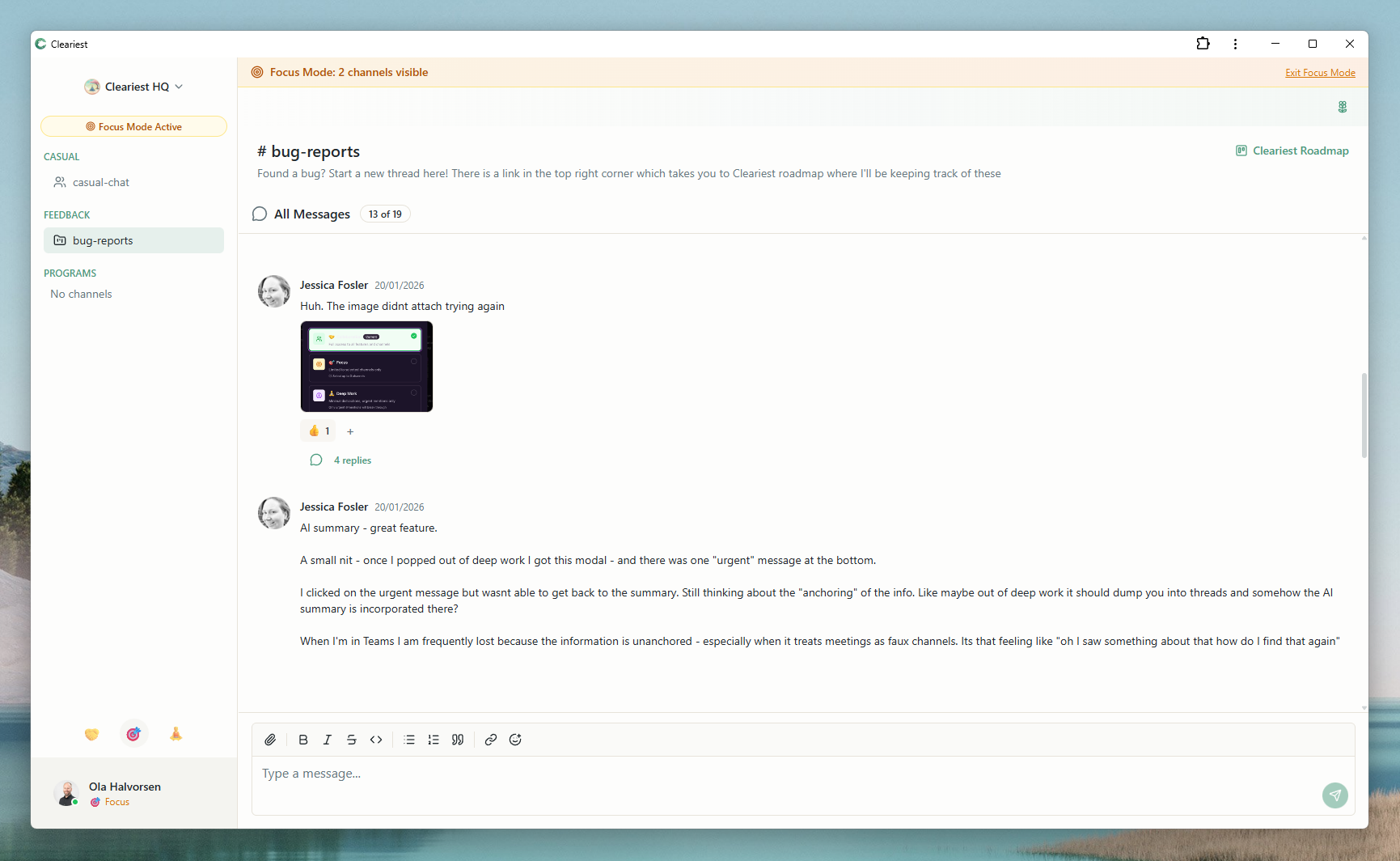
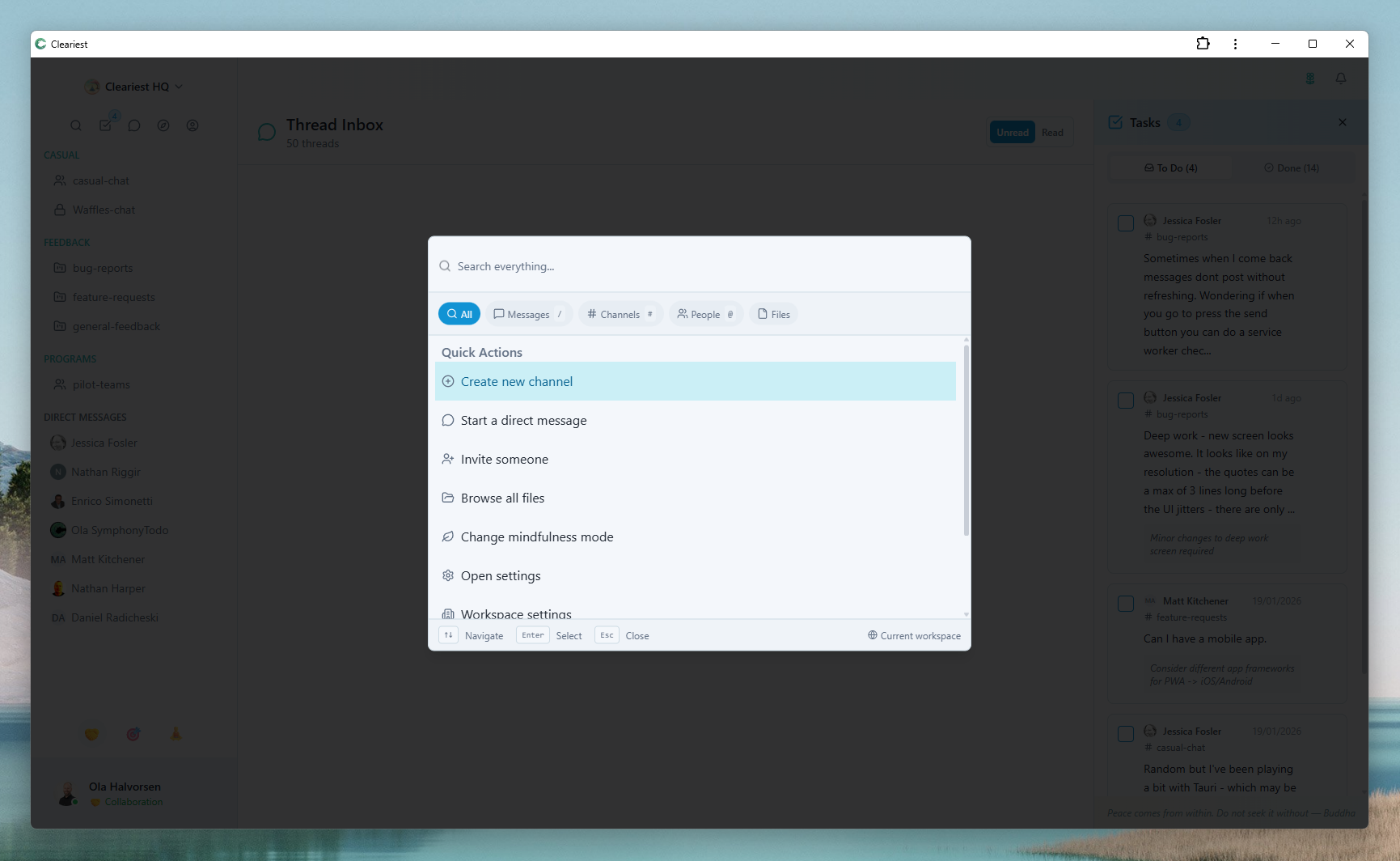
Cleariest focus mode and quick search — features compared in detail below.
Quick Comparison: The Key Differences
| Feature | Slack | Microsoft Teams | Cleariest |
|---|---|---|---|
| Best for | Enterprise & large companies | Microsoft-ecosystem companies | Small–mid teams valuing focus & transparency |
| Free tier | 90-day message history limit | Full features with M365 subscription | ✅ Unlimited for up to 10 members |
| Deep work features | Do Not Disturb only | Focus Assist (limited) | Deep Work Mode (full protection) |
| AI features | Limited, add-on cost | Copilot (extra cost) | Built-in AI summaries |
| Integrations | 2,600+ | Microsoft ecosystem | Core integrations, growing |
| Setup time | 30 min+ | 1–2 hours | Under 2 minutes |
| Channel transparency | Private-leaning | Private by default | Public by default |
| Video meetings | Huddles (basic) | ✅ Full video conferencing | Text-first; use dedicated tools |
Slack: The Industry Standard
Slack transformed workplace communication when it launched in 2013. It popularised the concept of team messaging, channels, and integrations, and it remains the most recognised name in team chat. For many teams, choosing a chat tool still means choosing between "Slack" and "something else."
The core Slack experience is polished and well-designed. Channels are intuitive, search works well, and the integration ecosystem is unmatched. If your workflow depends on deeply custom bots, automated workflows, or dozens of third-party tool connections, Slack is genuinely the most capable option available.
Slack Strengths
- 2,600+ integrations with virtually every SaaS tool
- Mature, polished UI with broad industry recognition
- Strong enterprise features and compliance options
- Workflow Builder for automation without code
- Large user community with extensive documentation
Slack Weaknesses
- 90-day message history limit on free tier
- Expensive at scale ($7.25+/user/month)
- Notification overload by design; DND is insufficient
- AI features require additional paid add-ons
- Encourages real-time responsiveness culture
Microsoft Teams: The Enterprise Suite
Microsoft Teams is not really a chat tool — it is a unified communications platform that happens to include chat. For organisations already invested in the Microsoft 365 ecosystem, Teams arrives as part of the subscription at no additional cost. Integration with Outlook, SharePoint, OneDrive, and Office applications is tight and seamless in ways that Slack cannot easily replicate.
The video conferencing capabilities are genuinely strong. Teams handles large meetings, webinars, and enterprise-grade video calls in a way that positions it as a direct competitor to Zoom and Google Meet — not just Slack. For organisations where "hop on a quick call" is the primary collaboration mode, Teams provides a compelling all-in-one solution.
Teams Strengths
- Often free if you already pay for M365
- Deep integration with the entire Microsoft ecosystem
- Full video conferencing and webinar capabilities
- Enterprise-grade security and compliance
- Teams Phone for voice calling
Teams Weaknesses
- Confusing "Teams within Teams" structure
- Heavyweight UI, slow on older hardware
- Poor experience without M365 subscription
- Requires IT administration for full setup
- Copilot AI features are expensive add-ons
Cleariest: Built for Focus
Cleariest is the newest of the three tools and takes a different approach: instead of trying to be the most feature-rich or deeply integrated option, it focuses on solving a specific problem that Slack and Teams both create. That problem is the constant interruption cycle that fragments deep work time and erodes team productivity.
Deep Work Mode is the centrepiece feature. One click pauses all notifications, batches incoming messages into a digest, and signals to colleagues that you are in focus time. If someone needs to interrupt, they must provide a reason — intentional friction that filters out casual pings while preserving urgent communication. This is meaningfully different from Slack's Do Not Disturb, which just mutes sound without changing any other behaviour.
We want to be honest about limitations: Cleariest is a newer platform with fewer integrations, no video calling, and a smaller ecosystem than Slack or Teams. It is not the right choice for organisations that depend on hundreds of custom integrations, need enterprise compliance certifications, or have established workflows that depend on Slack-specific features.
Cleariest Strengths
- Deep Work Mode with real focus protection
- Built-in AI message summaries, no add-on cost
- 14-day free trial, no credit card (starting at $29/month)
- Public-first channels for team transparency
- Under 2-minute setup, no admin required
Honest Limitations
- Newer platform — smaller ecosystem and community
- Fewer integrations than Slack
- No built-in video calling
- Best for teams under 200 people currently
- No enterprise compliance certifications yet
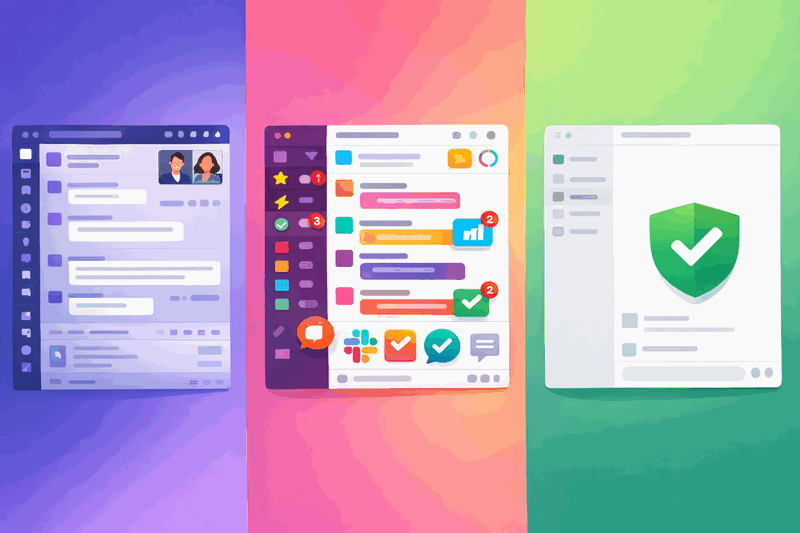
Decision Framework: Which Tool Is Right for You?
The best way to choose a team chat tool is to be honest about your team's actual needs, not what a salesperson suggests you might need in three years.
Choose Slack if…
- You need deep integrations with dozens of SaaS tools
- Your team is 100+ people with complex cross-team workflows
- Enterprise compliance (HIPAA, SOC2) is required
- Budget is not a concern and you want the most mature ecosystem
Choose Teams if…
- You already pay for Microsoft 365 (Teams is included)
- Video meetings and SharePoint are central to your workflow
- You have an IT department managing Windows infrastructure
- The organisation is large and already deeply Microsoft-dependent
Choose Cleariest if…
- Your team does knowledge work that needs sustained focus
- Notification overload is genuinely hurting productivity
- You are a startup or team under 100 people
- You want transparency and public-first communication culture
Pricing Comparison
Pricing is often the deciding factor for smaller teams. Here is how the real costs break down for a 10-person team.
| Plan | Slack | Microsoft Teams | Cleariest |
|---|---|---|---|
| Free tier | 90-day message history; limited features | Available but limited without M365 | Full features, up to 10 members |
| Paid (per user/month) | $7.25 (Pro), $12.50 (Business+) | $6/user (Essentials) or included with M365 | Coming soon; competitive pricing |
| 10-person team / month | $72.50+ (paid) | $60+ or M365 bundle | $29/mo flat (14-day trial) |
| AI features included | Extra add-on cost | Copilot extra ($30/user/month) | ✅ Included on all plans |
| Message history | 90 days (free), unlimited (paid) | Unlimited with M365 | Unlimited on all plans |
Pricing accurate as of 2026. Check vendor websites for current rates.
Related Reading
Frequently Asked Questions
Is Cleariest really free?
Cleariest includes a 14-day free trial on all plans with no credit card required. Plans start at $29/month per workspace (Calm), $79/month (Flow), or $199/month (Deep). All plans include Deep Work Mode, AI summaries, and unlimited message history.
Can Cleariest replace both Slack and Teams?
For small to mid-size teams focused on focus, transparency, and simplicity, yes. Cleariest handles real-time messaging, channels, DMs, file sharing, and threads. It does not currently offer video meetings or 2,600+ integrations, so teams that rely heavily on those features may still prefer Slack or Teams.
What's the biggest difference between Slack and Teams?
Slack is a chat-first product that added video and integrations over time. Microsoft Teams wraps the entire Microsoft 365 productivity suite — chat is one feature among many including video meetings, SharePoint, and Office integrations. Teams is often bundled into M365 subscriptions at no extra cost, while Slack requires a separate paid subscription for full functionality.
Why would I choose Cleariest over Slack?
Cleariest offers focus protection (Deep Work Mode) that Slack's Do Not Disturb does not match, a 14-day free trial with no credit card, simpler setup (under 2 minutes vs 30+ minutes), public-first channels for transparency, and built-in AI summaries without add-on costs. If notification overload and deep work protection are priorities, Cleariest was specifically designed to solve those problems.
Does Cleariest integrate with other tools?
Cleariest has a growing ecosystem of core integrations. It does not have the 2,600+ integrations Slack offers. For teams that rely heavily on custom Slack workflows or hundreds of integrations, Slack may still be the better choice today. The integration roadmap is actively growing.
Is Cleariest suitable for enterprise?
Cleariest is currently best suited for teams under 200 people. It does not yet offer the enterprise compliance features (HIPAA, FedRAMP, SOC2 certifications) or SSO configurations that large enterprises typically require. For enterprise-scale deployments, Slack or Teams are the more mature options today.
Try the Focus-First Option for Free
Cleariest starts at $29/month per workspace. 14-day free trial, no credit card. Deep Work Mode and AI summaries included from day one.