Simple Team Chat: Less Bloat, More Focus
Enterprise chat tools were built for organisations with 10,000 employees, dedicated IT departments, and months to configure a deployment. Most small teams just need channels, messages, and the ability to focus. Cleariest is built for them.
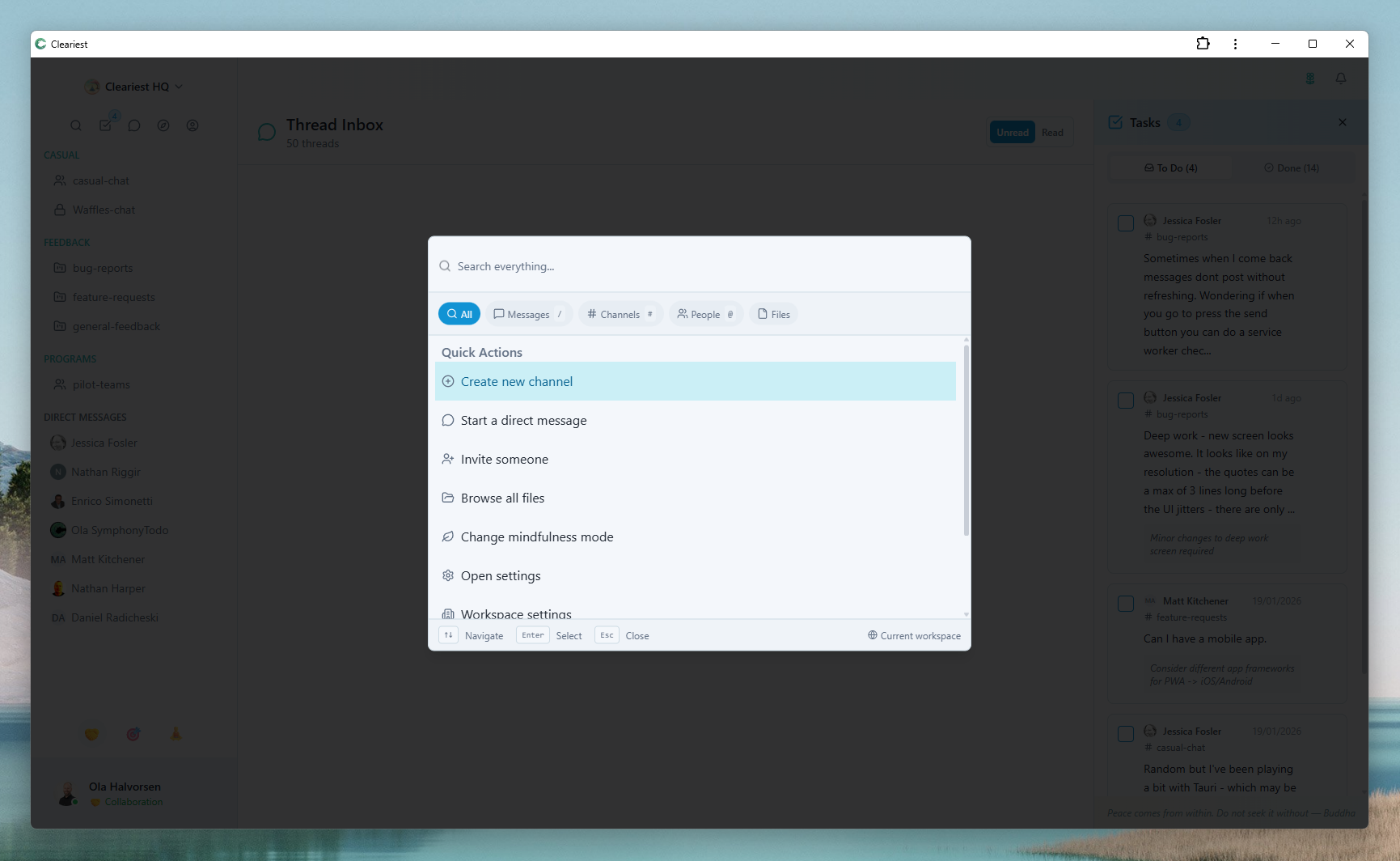
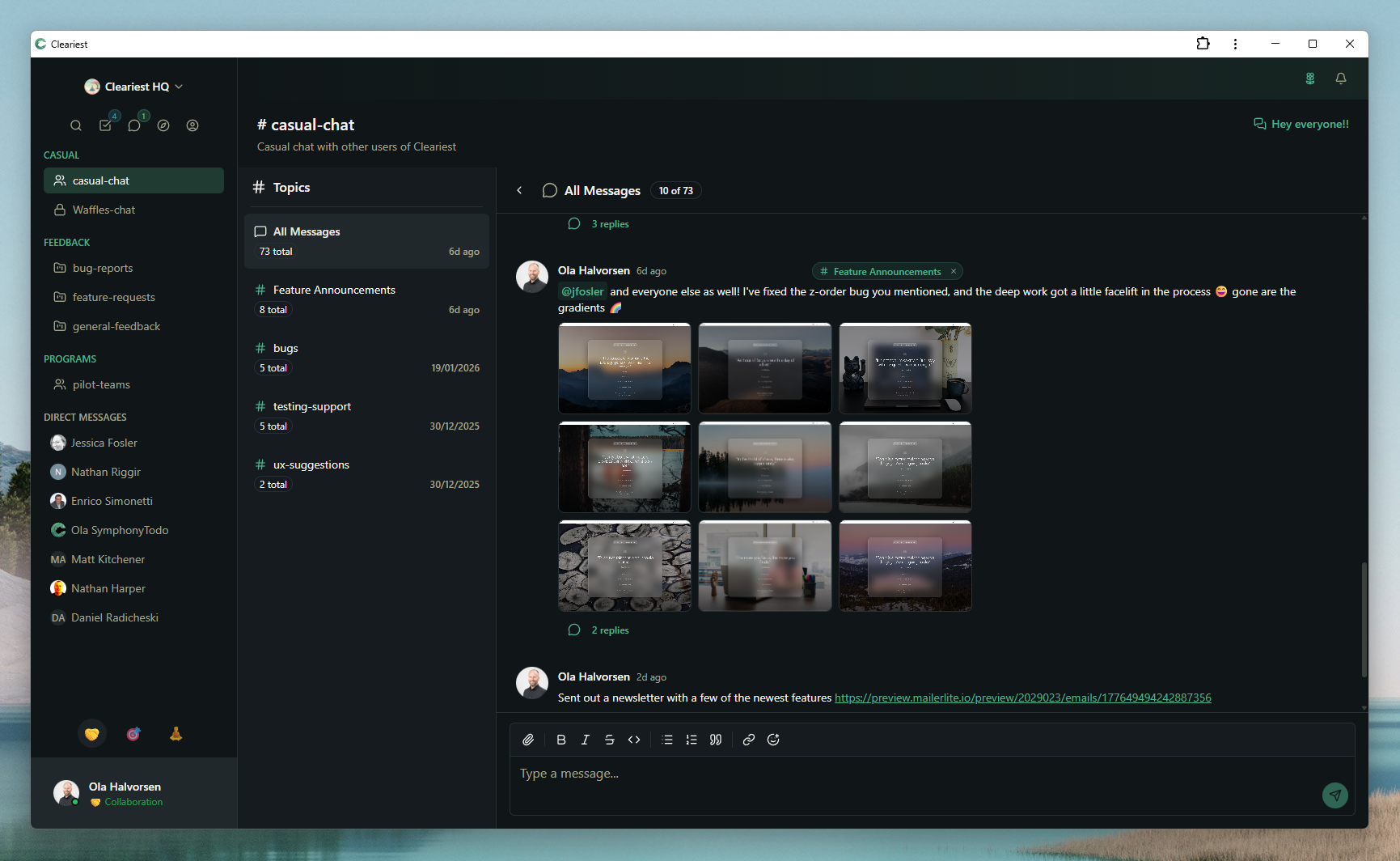
Cleariest keeps things simple: quick search, clean channels, and zero bloat.
The Enterprise Bloat Problem
Slack launched in 2013 and quickly became the dominant team chat tool. Microsoft Teams followed in 2017 and now ships as part of Microsoft 365. Both products started reasonably simple and then grew — adding integrations, admin controls, compliance features, automation tools, video conferencing, and layers of configuration that serve large enterprises well but overwhelm small teams.
Setting up Slack for a new team today means choosing a plan, configuring workspace settings, creating channels, installing integrations, setting up notification rules, inviting members, and potentially running an onboarding session. Before anyone sends their first message, hours have been spent on configuration. For a 5-person startup, this is genuinely wasteful.
Microsoft Teams is worse. It requires an admin account, navigating the Microsoft 365 admin centre, understanding the Teams/Channels/tabs hierarchy, and often involves IT setup for external sharing and compliance settings. Teams was designed by an enterprise software company for enterprise software buyers. For a seed-stage startup, it is massive overkill.
The problem is not that these tools are bad. They are well-built products that serve their intended markets. The problem is that the intended market is not a 5-to-50-person team that wants to communicate clearly without spending a week on configuration.
What "Simple" Actually Means
Simple does not mean fewer features. It means intentional design that serves your actual use case without forcing you to navigate features you will never use.
A simple team chat app should have sensible defaults that work without configuration. When you create a channel, it should be accessible to the right people by default without requiring permission schemes. When you invite a team member, they should be able to start contributing immediately without reading a user guide. When you need to find an old message, search should just work.
Simplicity also means the tool does not get in your way. An app that generates 47 notifications per day is not simple — it is expensive to your attention. An app that requires you to configure Do Not Disturb schedules, manage notification rules, and still ends up interrupting you every 10 minutes is not simple — it is complicated dressed up with a clean interface. True simplicity includes protecting your focus by default.
What Cleariest Includes
Everything a small team actually needs to communicate effectively.
Public and Private Channels
Channels default to public for transparency. Private channels for sensitive conversations.
Direct Messages
One-on-one and group DMs with full message history.
Full Message Search
Find any message, file, or conversation instantly. No 90-day history limits.
File Sharing
Share files, images, and documents directly in channels and DMs.
Emoji Reactions
Quick acknowledgements without notification noise.
Threaded Replies
Keep conversations organised without channel chaos.
AI Message Summaries
Catch up on long threads instantly without reading every message.
Deep Work Mode
Pause all notifications and batch messages for focused work sessions.
What Cleariest Deliberately Leaves Out
Every feature not in Cleariest was a choice, not an oversight. Here is what we left out and why.
2,600+ Integrations
We have core integrations. A marketplace of 2,600 integrations creates choice paralysis and a maintenance burden. Most teams use 3–5 integrations regularly. We focus on doing those well. More integrations are actively coming.
Complex Admin Panels
Workspace management should fit on one screen. We do not need five levels of permission hierarchies, compliance retention policies, or SCIM provisioning controls for teams under 50 people. Simple workspace settings that any team member can understand.
Billing Surprises
Free up to 10 members, with simple transparent paid pricing for teams that grow. No feature add-ons at extra cost, no per-message storage limits, no sudden invoices when someone uploads too many files.
Built-in Video Conferencing
We think dedicated video tools (Google Meet, Zoom) do this better than any chat app that built it in as a secondary feature. Cleariest complements your video tool rather than replacing it with a mediocre version.
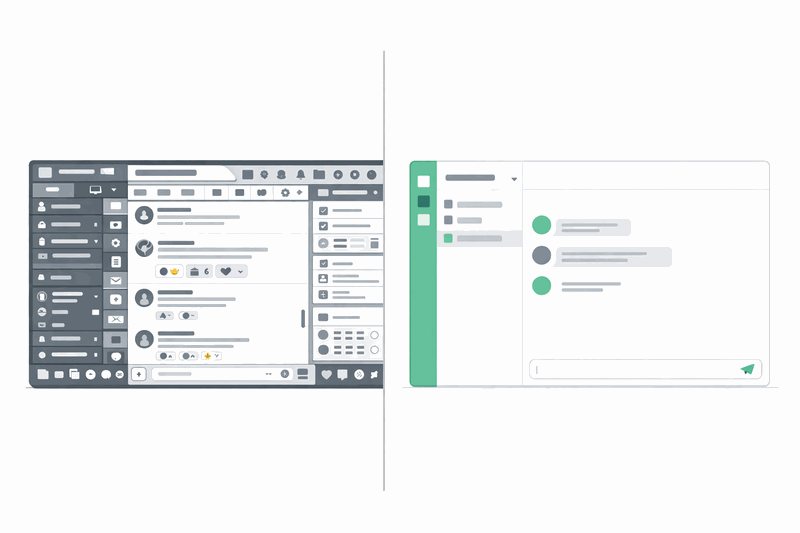
Setup Time: A Real Comparison
How long does it actually take to go from zero to your first team message? We timed it.
Slack
30+ minutes- 1Create account and verify email
- 2Choose workspace name and URL
- 3Navigate workspace settings and customise
- 4Create initial channels and configure visibility
- 5Install integrations (if needed)
- 6Invite team members and wait for them to join
- 7Configure notification settings for each member
Microsoft Teams
60–90 minutes- 1Create or sign in with Microsoft account
- 2Navigate Microsoft 365 admin centre
- 3Create Teams and configure channels
- 4Understand Teams/channels/tabs hierarchy
- 5Configure external sharing and guest access
- 6Install Teams app on all devices
- 7Add users and configure permissions
Cleariest
Under 2 minutes- 1Sign up with email
- 2Name your workspace
- 3Invite team members by email
- 4Send your first message
Deep Work Mode, AI summaries, and all features ready immediately. No configuration required.
Pricing Reality for Small Teams
The pricing question looks simple but has real gotchas.
Slack Free
$0
with caveats
- 90-day message history — messages vanish after 3 months
- Limited to 10 integrations
- No AI features
- $7.25/user once you exceed limits
Microsoft Teams
$0–$6+
per user/month
- "Free" only if you have M365
- $6/user Essentials without M365
- AI Copilot is an extra $30/user/month
- Full M365 bundle: $12.50+/user/month
Cleariest
$0
genuinely free
- Free for up to 10 members
- Unlimited message history
- AI summaries included
- Deep Work Mode included
Related Reading
Frequently Asked Questions
What makes Cleariest simpler than Slack?
Cleariest has fewer configuration options, better defaults, and no enterprise features cluttering the UI. You create a workspace, invite your team, and start communicating. There is no Workflow Builder to configure, no bot marketplace to navigate, no 2,600 integrations to choose from. The interface shows you what you need and nothing you don't.
Is simple the same as limited?
No. Cleariest includes all the core features teams need: public and private channels, direct messages, threads, file sharing, emoji reactions, full search, AI summaries, and Deep Work Mode. Simple means intentional design, not incomplete feature sets. We made choices about what to include and what to leave out, rather than adding every possible feature and leaving you to navigate it all.
Can Cleariest grow with my team?
Yes. Cleariest scales from small teams to large organizations. Calm ($29/month) supports up to 10 members, Flow ($79/month) up to 25 members, and Deep ($199/month) up to 100 members. All plans include a 14-day free trial, no credit card required. Need more than 100 members? Contact us.
How long does it actually take to set up Cleariest?
Under 2 minutes from sign-up to sending your first message. You create an account, name your workspace, and invite team members by email. There is no admin panel to configure, no integrations to connect, and no training session required. Most teams are up and running before their first cup of coffee is finished.
Simple Team Chat, Genuinely Free
Set up your team workspace in under 2 minutes. No credit card, no configuration, no bloat. Deep Work Mode and AI summaries included from day one.