Discord Alternative for Work: Professional Team Chat
Discord built its reputation in gaming communities, and it does that job exceptionally well. But professional teams have different needs: focus protection, work-appropriate UI, AI-powered summaries, and admin tools built for team management rather than community moderation. Here is an honest look at where Discord falls short for work — and what a purpose-built alternative looks like.
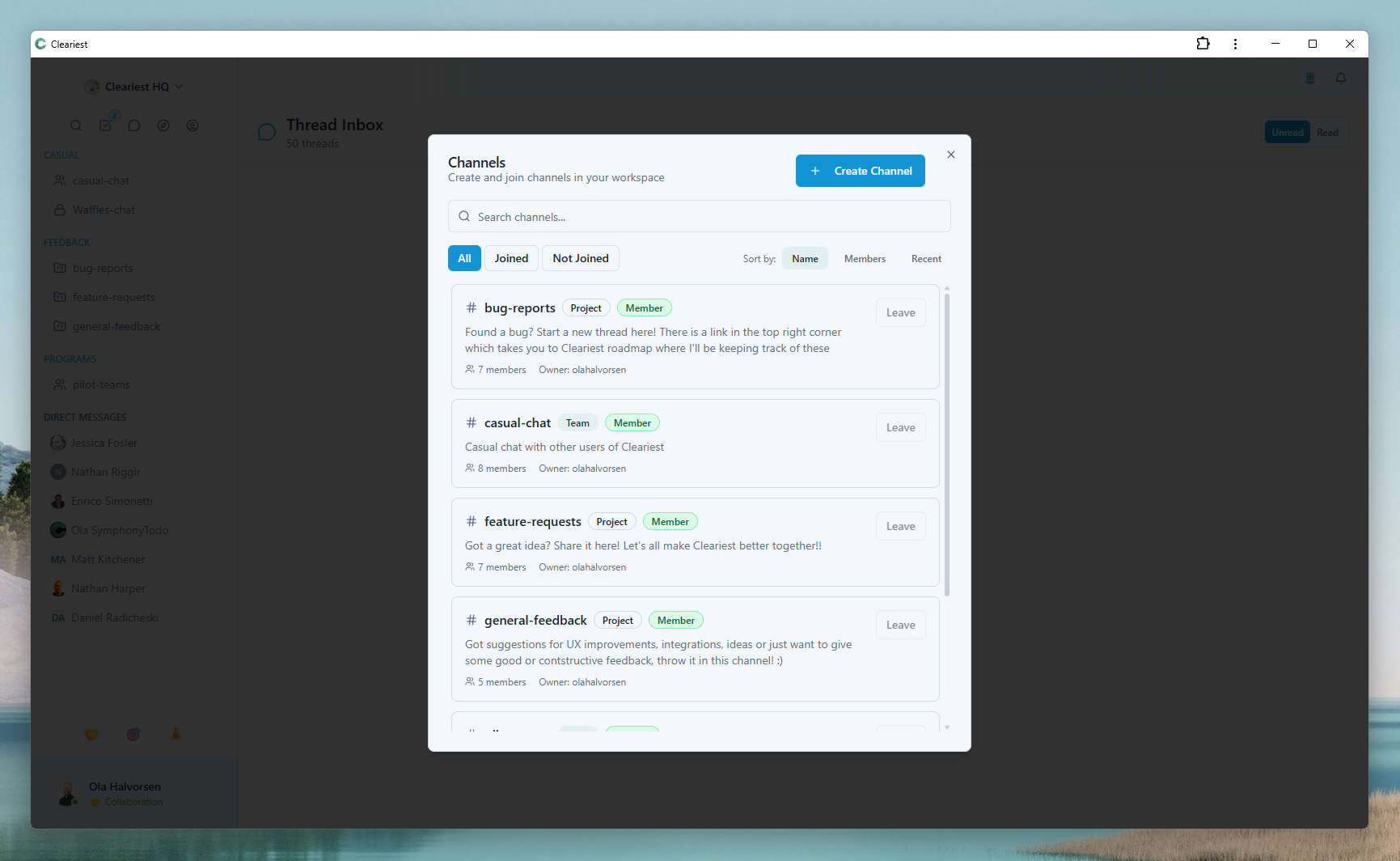
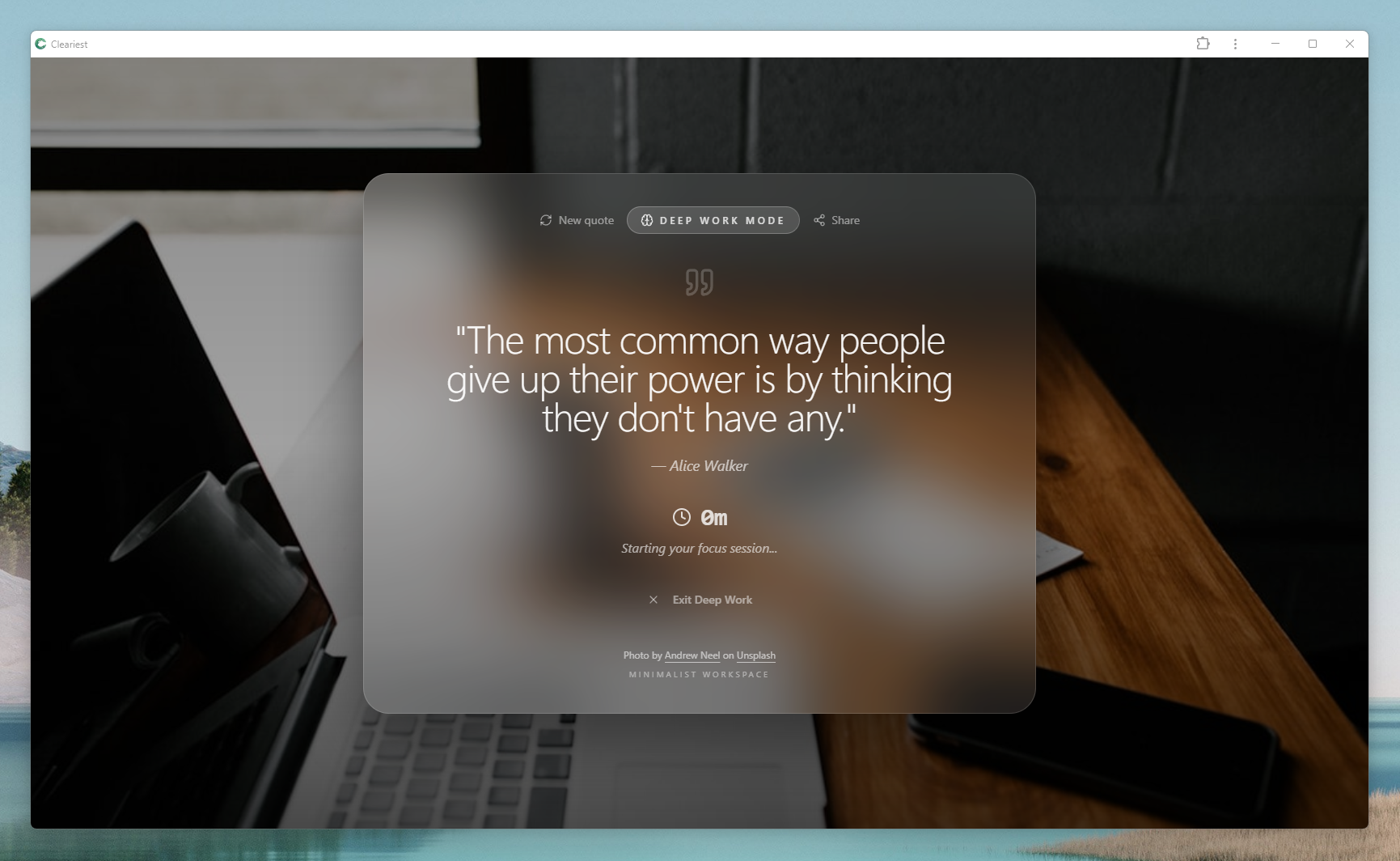
Cleariest's professional workspace: organized channel browser and focus-first Deep Work Mode.
Why Teams Try Discord for Work
The appeal of Discord for professional teams is easy to understand. It is free, has no per-seat pricing, and offers a familiar real-time chat experience that many developers and tech workers already use in their personal lives. Compared to Slack's increasingly restrictive free tier — which now limits message history to just 90 days — Discord's unlimited message history on free accounts looks genuinely attractive.
Voice channels are another draw. The ability to drop into a voice channel without scheduling a meeting feels like a natural way for co-located or closely distributed teams to stay connected. For small startups where everyone is in the same timezone and already uses Discord socially, the line between "gaming Discord" and "work Discord" can seem blurry at first.
Discord's threading and channel organisation are also quite capable. You can create category groupings, set permissions, and build a reasonably structured information architecture. Teams that already know Discord can move quickly without a learning curve.
These are real advantages. But as teams grow and the work becomes more complex — and as the need for sustained focus time increases — the cracks start to show. Discord was not designed with professional teams in mind, and that design intent matters.
Where Discord Falls Short for Professional Teams
Using a gaming platform for work is a bit like holding team meetings at a bowling alley. It can work, but the environment was not designed for it, and you feel that friction every day.
Server and Guild Terminology
Discord calls workspaces "servers" and uses gaming-derived language throughout the interface. Explaining to a new hire that the company "lives on a Discord server" and they need to join specific "channels" within a "server" introduces friction that does not exist with purpose-built work tools. It also sends a subtle cultural signal about how seriously the team takes its communication infrastructure.
No Focus Protection or Deep Work Mode
Discord has no equivalent to Deep Work Mode. You can silence notifications, but there is no structured way to signal that you are in a focus block, batch incoming messages, or require colleagues to provide a reason before interrupting. For knowledge workers who need sustained concentration, this absence is significant. Notifications arrive constantly, and there is no friction built into the system to reduce casual pings.
Gaming-Oriented UI and Aesthetics
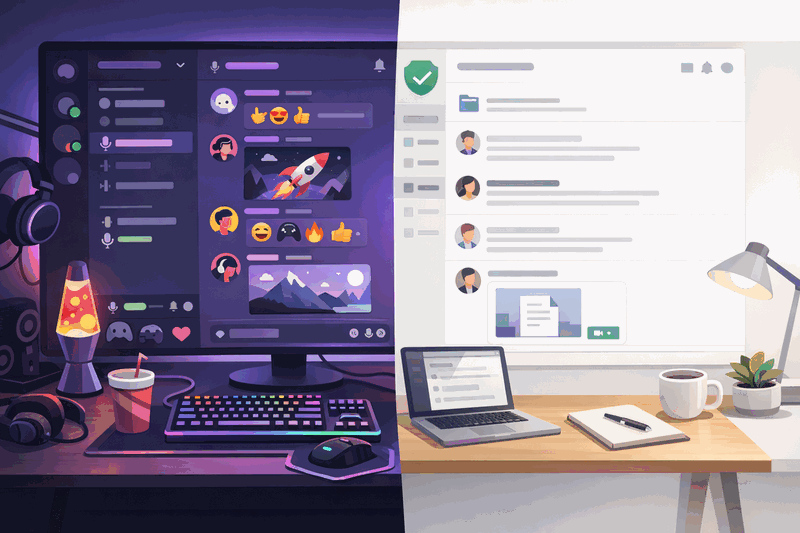
Discord's dark, game-inspired interface, animated emoji, Nitro subscriptions, and bot marketplace were designed for entertainment communities. While perfectly fine for gaming, this aesthetic can feel out of place in a professional context — particularly when sharing the screen with clients or executives, or when onboarding team members who are not from a gaming background.
No AI Features or Smart Summaries
Discord has no built-in AI message summarisation. If you are away for a day and return to 200 messages in active channels, you have to scroll through every single one. For teams with meaningful async communication, this creates a painful catch-up experience that discourages people from actually reading context before jumping into conversations.
Admin Controls Built for Communities, Not Teams
Discord's permission system and admin roles were built around managing large public communities — moderating content, banning disruptive members, creating tiered access for "VIP" community members. Professional team management needs are different: you want to manage onboarding, set communication norms, archive projects cleanly, and manage workspace settings without navigating a permission system designed for 10,000-person gaming communities.
No Notification Batching or Focus-First Design
Discord delivers every notification in real-time by default. There is no concept of batching messages into a digest or creating structured focus windows. The platform is designed to keep you engaged and online, not to protect your concentration. For teams trying to reduce context-switching and protect deep work time, this design philosophy works directly against them.
Discord vs Cleariest: Feature Comparison
Both Discord and Cleariest offer free team chat with channels, direct messages, and thread organisation. The difference is in what they were designed to optimise for.
| Feature | Discord | Cleariest |
|---|---|---|
| Deep Work Mode | ❌ Not available | ✅ Full protection with batching and interrupt friction |
| AI Message Summaries | ❌ Not available | ✅ Built-in thread summaries |
| Professional UI | Gaming-focused aesthetics | Work-focused, clean design |
| Focus Notifications | Always-on, real-time | Batched during focus sessions |
| Free for teams | ✅ (server-based, no seat limits) | ✅ Up to 10 members |
| Admin Controls | Community-oriented (moderation-focused) | Team-oriented (management-focused) |
| Thread Organisation | ✅ Available | ✅ Available |
| Channel History | ✅ Unlimited (free) | ✅ Unlimited (free) |
| Voice / Video calls | ✅ Voice channels built-in | Text-first; use dedicated tools |
| Public-first transparency | Mixed (server-dependent) | ✅ Channels public by default |
Who Should Use Discord vs Cleariest
Discord is a good fit for
- Gaming communities and content creator teams
- Open-source project communities needing free infrastructure
- Teams that rely heavily on voice channels for casual collaboration
- Tech-first teams comfortable with server administration
- Large public communities with moderation needs
Cleariest is a great fit for
- Professional work teams doing knowledge work
- Engineering, design, and product teams needing focus time
- Teams frustrated by notification overload and context switching
- Startups building healthy communication norms from day one
- Teams that value transparency and default-public channels
Making the Switch from Discord to Cleariest
Moving from Discord to a purpose-built work tool is typically straightforward. Here is a practical approach:
-
1
Create your workspace. Sign up at Cleariest and create a free workspace. It takes under 2 minutes and requires no credit card. Name your workspace after your team or company.
-
2
Recreate your channel structure. Identify the 5–10 Discord channels your team actually uses regularly. Ignore the ones nobody posts in. Create matching channels in Cleariest, defaulting to public visibility.
-
3
Invite your team. Send invitations to team members. You do not need to import Discord history — starting fresh gives you an opportunity to establish better communication habits.
-
4
Establish Deep Work norms. Have the team agree on two daily focus blocks. Encourage everyone to activate Deep Work Mode during these windows. Track how many uninterrupted hours they gain in the first week.
-
5
Archive your Discord server. After two weeks, set your Discord server to read-only for historical reference. Most teams find they stop needing to look back within a month.
Related Reading
Frequently Asked Questions
Is Discord good for work teams?
Discord can work for casual team communication, especially for tech-savvy teams comfortable with its server structure. However, it lacks focus protection features, was designed for gaming communities rather than professional work, has no AI summarisation, and its admin controls are built around community moderation rather than team management. For teams doing serious knowledge work, these limitations become increasingly frustrating over time.
What does Cleariest have that Discord doesn't for work?
Cleariest offers Deep Work Mode that pauses all notifications and batches messages during focus sessions, built-in AI message summaries so you can catch up without reading everything, work-oriented admin controls designed for team management rather than community moderation, a professional UI without gaming aesthetics, and public-first channels that improve team transparency by default.
Is Cleariest free like Discord?
Cleariest includes a 14-day free trial on all plans with no credit card required. Plans start at $29/month per workspace. Discord is technically free for unlimited users in a server, but has limits on file upload sizes, audio quality, and other features on the free tier that require a Nitro subscription to remove.
Can I migrate from Discord to Cleariest?
Cleariest does not currently import Discord history. Most teams find a fresh start beneficial — it takes under 2 minutes to create a workspace, invite your team, and send the first message. Starting fresh also gives you an opportunity to establish better communication habits and channel structures from day one, rather than copying over whatever organic chaos accumulated in your Discord server.
Does Cleariest have voice channels like Discord?
Cleariest is currently text-first. The design philosophy is that async-first communication — clear written messages, AI summaries, and thoughtful threads — reduces the need for always-on voice channels. For scheduled meetings, teams typically use dedicated tools like Google Meet or Zoom alongside Cleariest. Most teams find that when they improve their async communication quality, they actually need fewer voice calls.
Ready to Try a Work-First Alternative?
Start your free Cleariest workspace in under 2 minutes. Deep Work Mode, AI summaries, and professional team chat included. No credit card required.